An entry in the index
Vivify
Change how you look on a live webcam, or as Vivify Camera.
Community vote
About
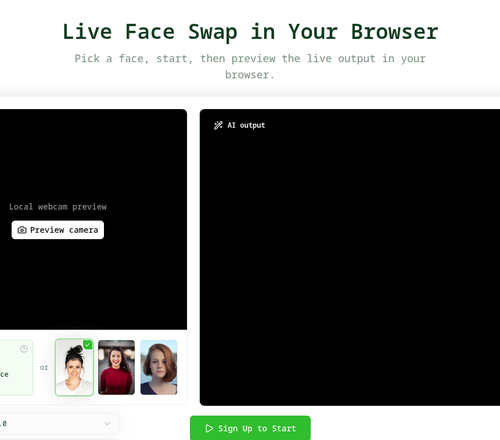
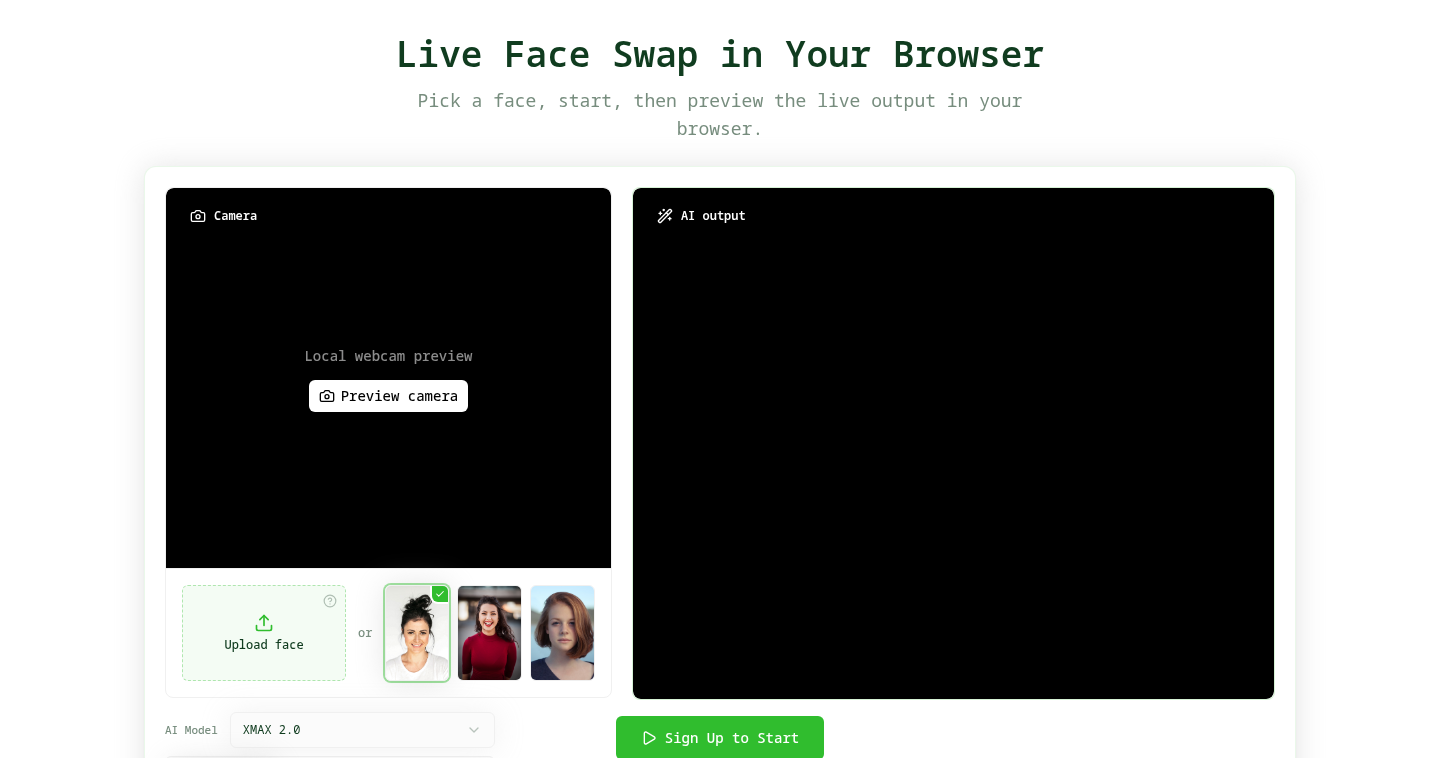
Vivify is a paid browser studio for live webcam looks. Choose Face Swap, Try-On, or Restyle, start the camera, and compare the AI output next to your original feed. On Windows or Mac, the Vivify Live Client can publish that output as Vivify Camera for streaming and meeting apps. A dedicated GPU is not required. The three effects remain in one public studio: Face Swap, Try-On, and Restyle. The client is available for 64-bit Windows 10/11 and for macOS 13+ Apple Silicon.
Plates
Comments · 1
to leave a note.
- LLiveFaceSwap AIFounderPinnedNov 18
Vivify is a paid browser studio for live webcam looks, with a sign-up trial and no permanent free tier — a pricing shape that should be stated plainly on an indie listing. You upload or pick a reference, allow the webcam, and press Start. The generated view sits beside the real camera and keeps following expression, head position, pose, and movement. A dedicated GPU is not required. The three effects remain in one public studio: Face Swap, Try-On, and Restyle. Try-On is the outfit-reference path; Restyle is the style-reference path. The workspace can run XMAX when a lower-cost path is enough, or Decart Lucy when quality is the priority (Lucy 2.5, Lucy VTON, Lucy Restyle 2). Indie testers should know the preview itself will not keep a copy: it does not record, download, or save the camera feed or the AI output. To use the same look in OBS, Zoom, Microsoft Teams, Google Meet, Discord, or similar apps, install the Vivify Live Client and choose Vivify Camera. The client is available for 64-bit Windows 10/11 and for macOS 13+ Apple Silicon.