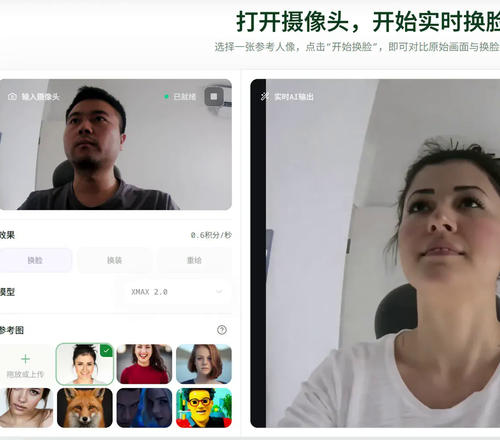
An entry in the index
LiveFaceSwap AI
Real-time AI face swap for your webcam, no local GPU needed.
Community vote
About
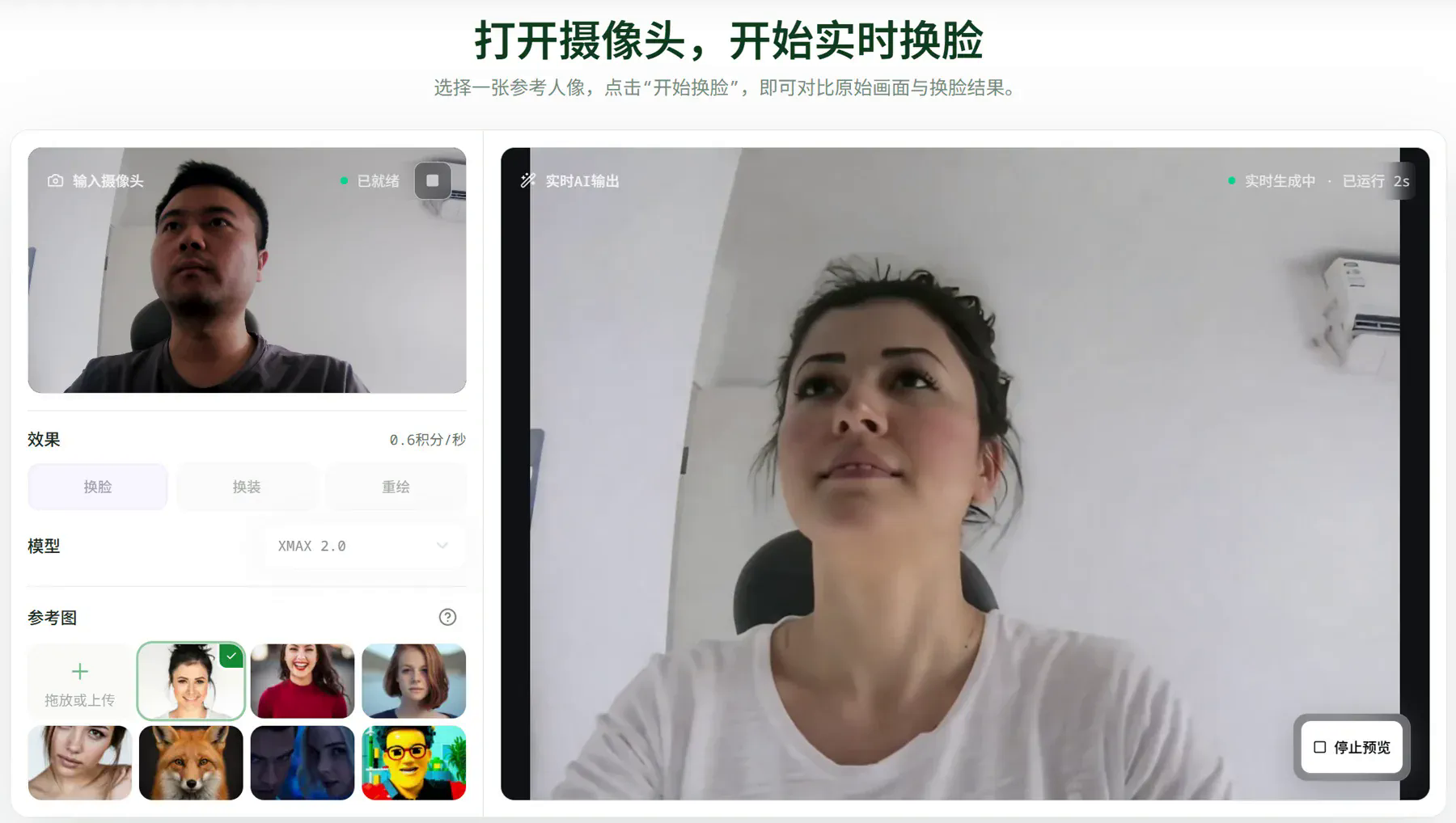
LiveFaceSwap AI is real-time AI face swap software for live camera video. Test Face Swap, Try-On, or Restyle in your browser, then use LiveFaceSwap Desktop to send the result to compatible streaming and video-call software as a virtual camera. Cloud processing is the entire local-setup story: no model to download, no dedicated GPU to configure, and a stable internet connection as the requirement. Metering is per live second, and the rate is visible before you start.
Plates
Comments · 1
to leave a note.
- LLiveFaceSwap AIFounderPinnedNov 18
What is being put in public is a live-camera face swap, not a batch editor for finished files. Anyone can open the official site, allow the webcam, provide an authorized reference, choose an effect and a model, and start a preview. The original feed stays visible next to the AI output. Face Swap, Try-On, and Restyle live in the same workspace. Cloud processing is the entire local-setup story: no model to download, no dedicated GPU to configure, and a stable internet connection as the requirement. The browser preview cannot record, download, or save the session, so a first public try is a live check rather than a rendered export. The desktop companion, LiveFaceSwap Desktop, turns that output into "LiveFaceSwap Camera" for compatible streaming and meeting apps. It runs on Windows 11, macOS 13 or later (Apple Silicon), and Linux x64 (.deb). Metering is per live second, and the rate is visible before you start.