Founder field note
Product Launch Timeline: 6 Tools and a Week-by-Week Plan
Build a practical product launch timeline with an illustrative prelaunch-to-postlaunch schedule, decision gates, and six tools for lean indie teams.
A useful product launch timeline connects a release date to the work and decisions that make a launch ready: product scope, testing, messaging, distribution, and follow-up. For a bootstrapped or early-stage team, the illustrative schedule below runs from six weeks before launch through two weeks after; then compare six project-planning tools by how well they help a small team coordinate that work. Treat the dates as a starting policy, not a universal benchmark: move the launch date when a critical dependency or readiness decision fails.
An illustrative Product Launch Timeline for a small software team
This example assumes a defined launch date, a working product, and a small team that must balance building with promotion. The sequence matters more than the exact number of weeks: research and scope precede polished messaging, and testing precedes a public promise. Use one owner for each deliverable and make each decision gate explicit in your project board.
- Six weeks before launch — define the promise. Choose the user problem and the single primary action you want a new visitor to take. Draft a one-sentence positioning statement, identify the target user, and list what the launch will not include. Dependency: access to the product and agreement on the intended audience.
- Five weeks before — lock launch scope. Turn the promise into a short list of launch-critical product work, support needs, and known limitations. Assign owners and identify work that could block release. Decision gate: if the core value depends on unfinished work with no credible delivery path, revise the scope or date now.
- Four weeks before — test the path to value. Ask prospective users or existing testers to complete the main workflow. Record where they hesitate, what they misunderstand, and which issues prevent successful use. Start the landing page and documentation from the actual product experience, not a speculative feature list.
- Three weeks before — prepare the launch assets. Draft the product page, screenshots or demo, onboarding prompts, support responses, and launch announcement. Build a small distribution plan around channels where the intended users already pay attention. Dependency: keep claims aligned with product behavior confirmed in testing.
- Two weeks before — run a release rehearsal. Check signup, payment if applicable, welcome messages, analytics events, support routing, and rollback steps. Ask someone outside the build team to follow the launch instructions. Decision gate: proceed only if the core user journey and a way to respond to problems are ready.
- One week before — freeze nonessential changes. Fix launch-blocking defects, confirm who is on point, and schedule the announcement. Recheck every link and product claim against the release candidate. Avoid adding late features that increase risk without changing the launch promise.
- Launch day — observe before amplifying. Publish the announcement, watch the core journey, and keep a shared log of bugs, questions, and user feedback. If a blocker prevents users from reaching the promised value, pause promotion and communicate the issue rather than sending more traffic into a broken path.
- One to two weeks after — close the learning loop. Review user conversations, support requests, activation problems, and the work left over from launch. Decide what to fix, what to investigate, and what to stop doing. Share a concise update with early users and thank people who gave useful feedback.
Keep the plan small enough to maintain. A practical board can have one accountable owner per deliverable, a due date, a status, and a link to the relevant asset. Track dependencies separately from general tasks: “publish page” depends on approved positioning, while “fix signup error” may block the release itself.
1. Asana
Best fit and trade-offs
- Best for: teams coordinating launch work across product, marketing, and support.
- Does not suit: founders who want an almost unstructured personal checklist or a development-only issue tracker.
- Standout: project views and task ownership can make cross-functional handoffs visible.
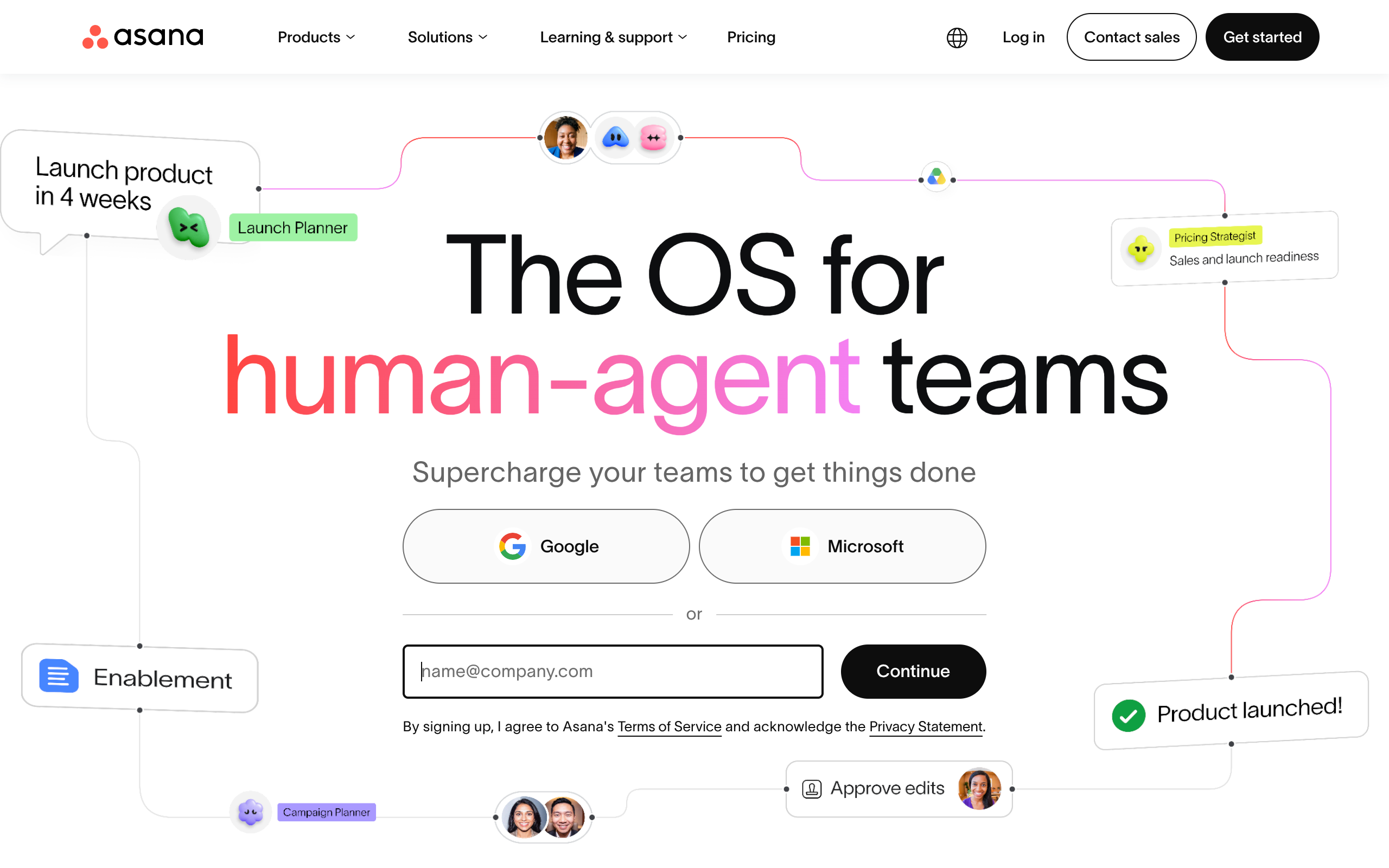
Asana is a reasonable choice when the launch includes many kinds of work and multiple owners. Its project-management feature overview describes organizing projects and tasks; confirm the views and controls available to your team on the official project-management page. The key implementation decision is how much detail to put in each task: overly broad tasks hide dependencies, while tiny tasks create upkeep. A launch lead should set the initial structure and ask each owner to keep their own work current.
Setup and commercial model
Implementation burden: moderate. Create a project, define sections around the launch phases, assign task owners, and represent blockers as dependencies rather than burying them in notes. Asana’s official pricing page is the place to verify its current commercial model, plan limits, and feature availability before choosing it. It is a poor fit if the team will not maintain task status; a sophisticated plan cannot compensate for stale ownership or dates.
2. ClickUp
Best fit and trade-offs
- Best for: founders who want launch tasks and several planning views in one workspace.
- Does not suit: teams that need the simplest possible setup and will not spend time tuning a workspace.
- Standout: a launch can be viewed as a schedule as well as a task list.
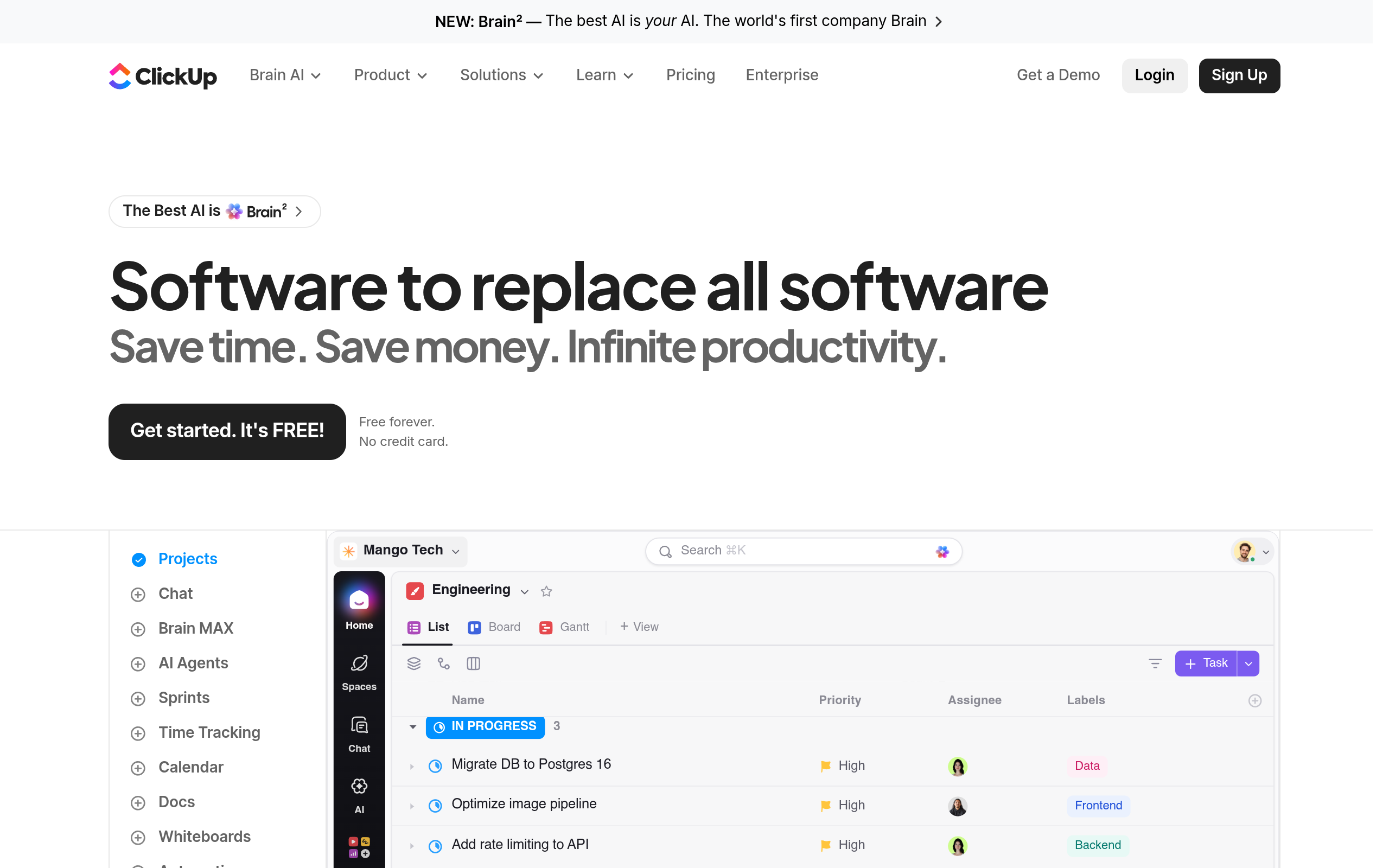
ClickUp can suit a team that wants to move between a task backlog and a visual schedule without maintaining separate plans. Its Gantt chart feature page describes the product’s Gantt offering; verify the current capabilities that matter to your workflow there. For a launch, keep the chart focused on dependencies and critical dates instead of trying to represent every discussion. The tool is more useful when someone owns the workspace design and removes fields the team does not need.
Setup and commercial model
Implementation burden: moderate to high if you customize many statuses, fields, and views; lower if you start from a plain task structure. Check ClickUp’s official pricing page for current plan terms and limits rather than assuming a particular feature is included. It does not suit founders who are already losing time to tool configuration or who need a specialized software development workflow more than a launch-wide view.
3. Jira
Best fit and trade-offs
- Best for: product teams whose launch date depends on engineering work already tracked in Jira.
- Does not suit: a solo founder seeking a low-maintenance marketing checklist.
- Standout: roadmaps can help connect delivery planning with release-related work.
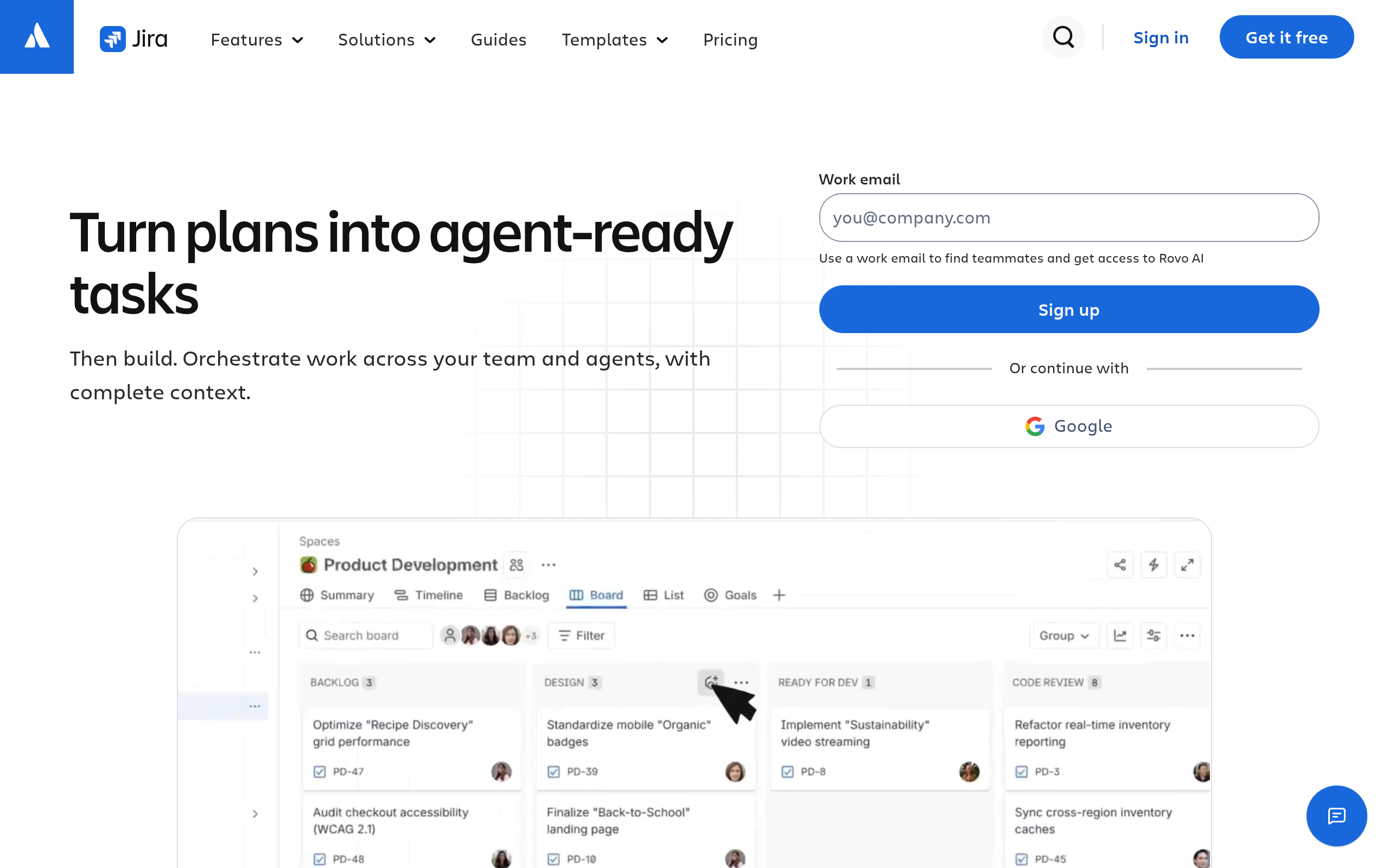
Jira is most compelling when engineering already uses it and launch work needs to stay connected to the delivery plan. Atlassian’s Jira roadmap documentation explains the roadmap concept; check the documentation for the version and plan you use before relying on a specific capability. Keep customer-facing deliverables visible too: engineering tickets alone will not remind the team to verify onboarding, support coverage, or launch copy.
Setup and commercial model
Implementation burden: moderate to high for a team without an existing Jira workflow, because project structure and issue conventions need to be established. Review Jira’s official pricing page for current plan details and limits. It is a poor fit when nontechnical collaborators will not use the system or when introducing it would split launch coordination between multiple tools.
4. Linear
Best fit and trade-offs
- Best for: software teams that want launch work tied closely to product development.
- Does not suit: teams whose main need is a broad marketing calendar or a highly flexible document hub.
- Standout: it is oriented toward product and engineering issue workflows.
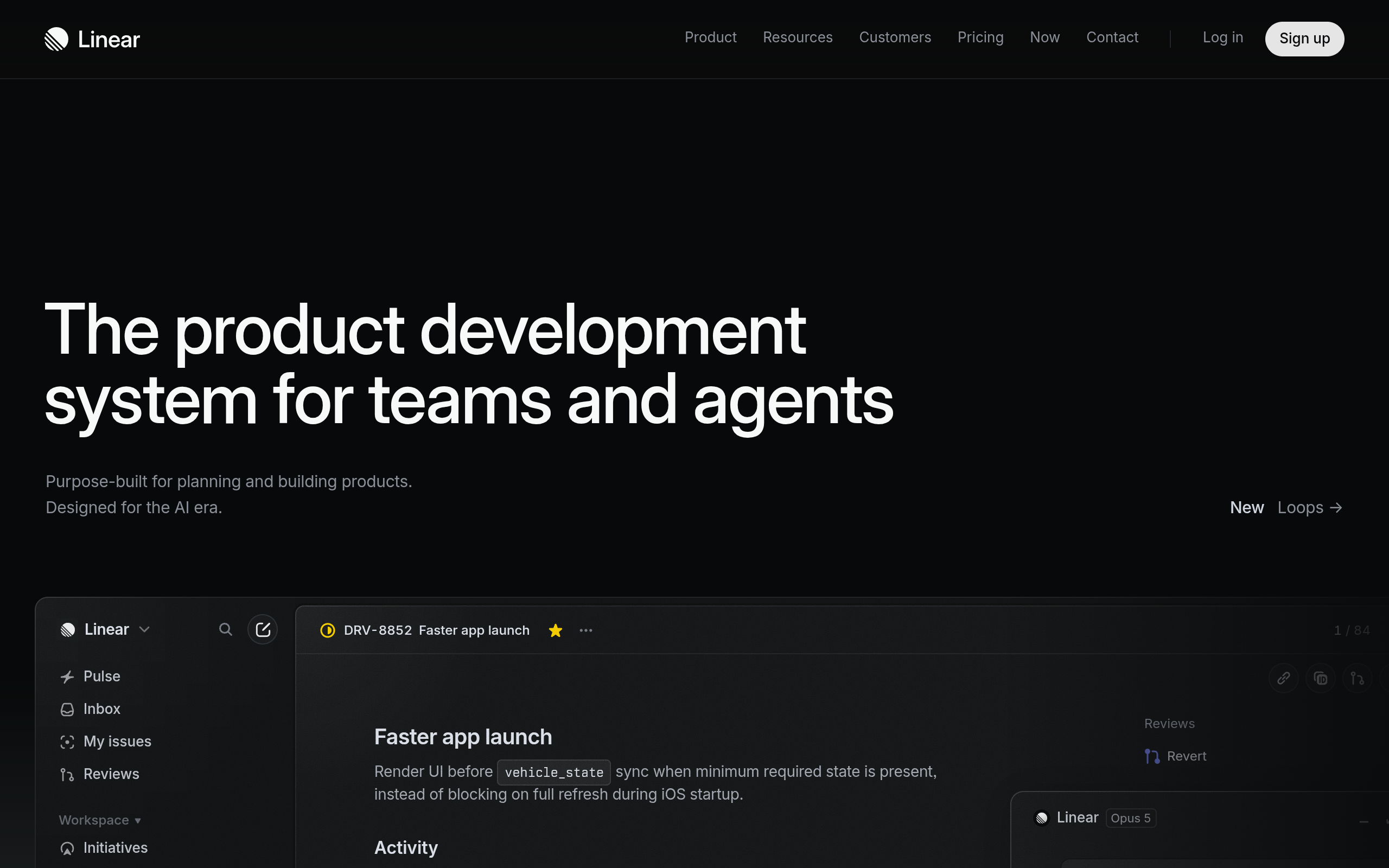
Linear is a natural candidate when feature delivery, bugs, and release coordination are central to the launch. Its official features page outlines its product-management and issue-tracking focus. A small team can use a project to make the launch outcome legible while leaving individual engineering tasks in the issue workflow. That distinction helps prevent an announcement checklist from becoming indistinguishable from the development backlog.
Setup and commercial model
Implementation burden: low to moderate for a team already comfortable with product issue tracking; higher if marketing and support contributors need onboarding or a separate view. Linear’s official pricing page provides current plan and pricing details to verify. It is not the best choice if you need a flexible home for long-form launch documentation or if your collaborators will not check a development-centered workspace.
5. Notion
Best fit and trade-offs
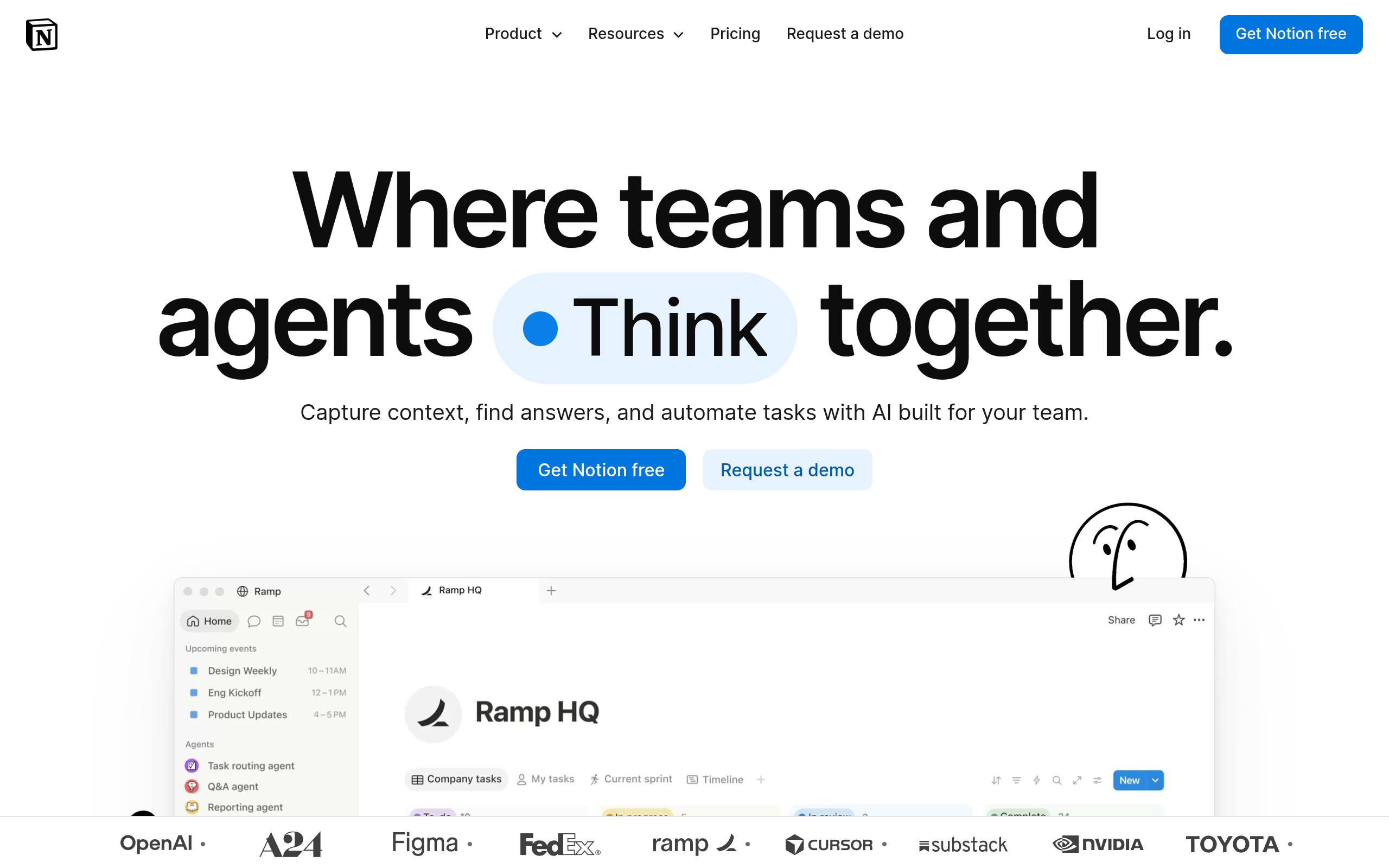
Notion works well when the launch plan needs to sit beside messaging drafts, research notes, decision records, and operating checklists. Its database documentation explains how databases organize information; use that capability to create a compact launch tracker rather than a database for every kind of work. A shared page can make the reasoning behind decisions easier to find, but a page full of prose is not a substitute for owners and due dates.
Setup and commercial model
- Best for: documentation-heavy indie teams that want the launch plan and its supporting context together.
- Does not suit: teams that require a highly disciplined engineering issue workflow or will not maintain a custom tracker.
- Standout: project information can live alongside launch copy and research notes.
Implementation burden: moderate. Decide which properties are mandatory—owner, status, due date, and dependency—and keep the rest optional. Check Notion’s official pricing page for current plan terms and limits. Notion is a poor fit if the team prefers a purpose-built task workflow and is likely to let a custom workspace grow into a maze of pages.
6. Trello
Best fit and trade-offs
- Best for: founders who want a visual, lightweight board for moving launch tasks through stages.
- Does not suit: a complex launch with many interdependent workstreams that need detailed schedule management.
- Standout: cards and lists make the next action easy to scan.
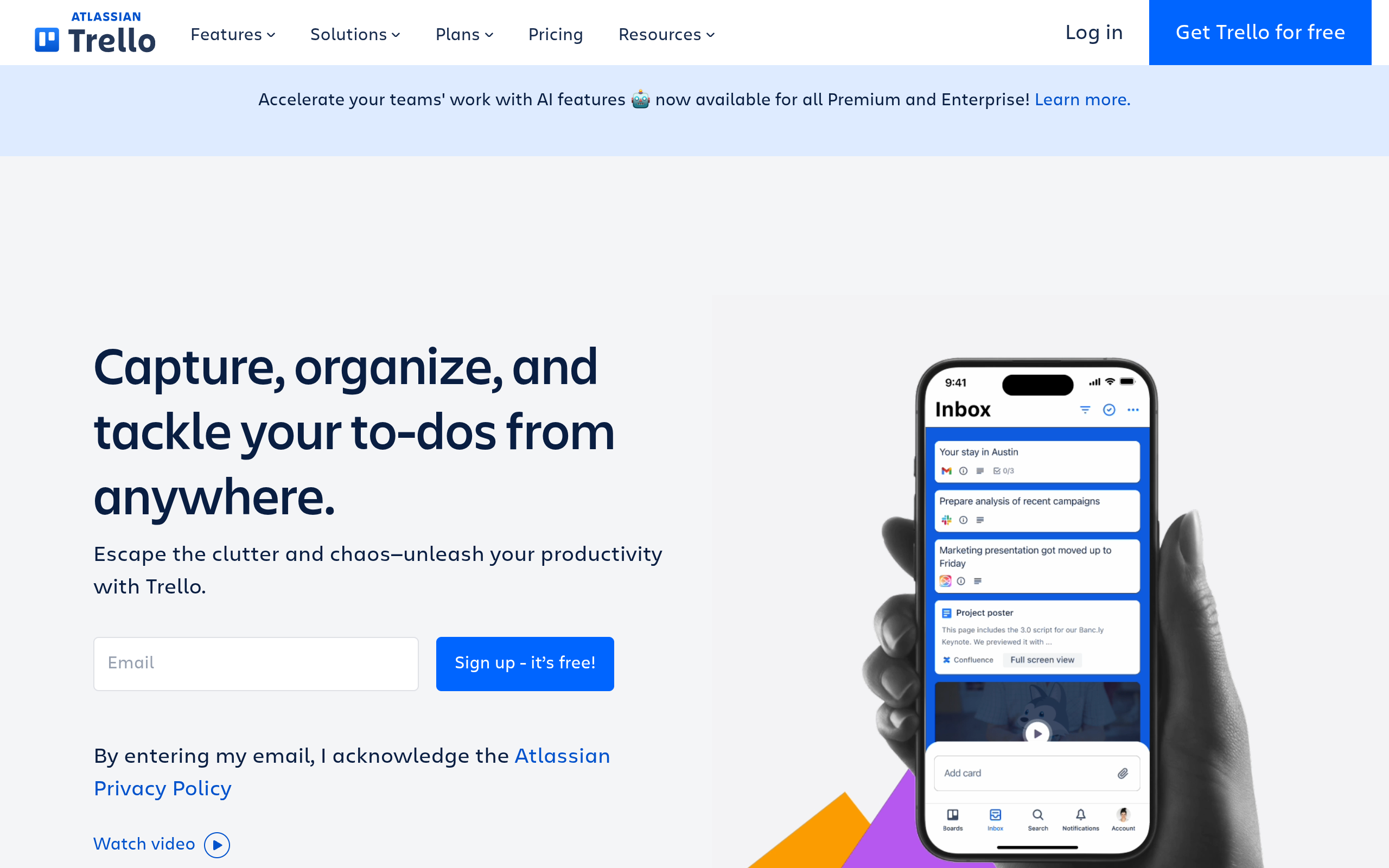
Trello is a practical starting point when a founder wants a shared board without a heavy planning process. Its official guide introduces the board-and-card approach. For a launch, use lists such as “not started,” “in progress,” “blocked,” and “done,” and put the owner and next action on each card. A board is less effective when the team needs to understand complex sequencing; in that case, another tool’s schedule or dependency workflow may be a better fit.
Setup and commercial model
Implementation burden: low to start, provided the team agrees on what each list means and who updates cards. Trello’s official pricing page is the source to check for current plan options and limits. Trello is not ideal if the launch requires detailed cross-project reporting or if cards tend to become vague containers with no owner, acceptance condition, or next step.
Comparison
These are alternatives for coordinating launch work, not interchangeable guarantees of launch success. The assessments below are practical fit judgments; confirm the linked product and pricing pages for current capabilities and plan terms before committing.
| Tool | Strongest launch workflow | Schedule visibility | Setup burden | Commercial model to verify |
|---|---|---|---|---|
| Asana | Cross-functional tasks and handoffs | Project views and task planning | Moderate | Review current plans and feature limits |
| ClickUp | Tasks with multiple workspace views | Gantt-style planning available; verify plan | Moderate to high if customized | Review current plans and feature limits |
| Jira | Engineering-led delivery and release work | Roadmap workflow; verify plan | Moderate to high for new teams | Review current plans and feature limits |
| Linear | Product and engineering coordination | Project and issue planning | Low to moderate for software teams | Review current plans and feature limits |
| Notion | Plans beside research and launch documents | Custom tracker and database views | Moderate | Review current plans and feature limits |
| Trello | Lightweight stage-based task board | Visual board; less suited to complex sequencing | Low to start | Review current plans and feature limits |
How to choose a launch planning tool
Choose the tool that matches the failure mode you are trying to prevent. If the main risk is engineering slippage, keep the launch connected to the team’s development workflow. If handoffs between product, marketing, and support are the weak point, prioritize clear owners and cross-functional visibility. If the team loses decisions and customer insight in scattered documents, choose a place where those records can live beside the task plan.
- Map the work before choosing software. List the deliverables, owners, dependencies, and go/no-go decisions. If a simple shared checklist captures them, do not buy complexity you will not maintain.
- Test with a real launch task. Add a dependent deliverable—such as finalizing a product page after positioning is approved—and see whether the tool makes the relationship easy to understand.
- Check the maintenance cost. Decide who updates dates and statuses, and whether contributors will actually open the tool. An accurate, plain board beats an elaborate schedule no one trusts.
- Separate planning from discovery. A project manager helps the team deliver the launch; it does not automatically introduce the product to early adopters. Plan product visibility as a distinct workstream with its own owner and submission checklist.
For a small team with no existing system, start with the lightest tool that makes ownership, dependencies, and decision gates visible. Keep the illustrative schedule, review it with the people doing the work, and change the dates when readiness—not optimism—calls for it. When your launch assets and timing are ready, you can submit your product launch to SuperPublic for indie-product discovery and founder visibility; learn more at SuperPublic.
Authored with NotFair SEO