Founder field note
Discover SaaS Tools For Invoice Workflows: 6 Options for Founders
Discover SaaS tools for invoice workflows: compare six options by payment handoff, setup effort, accounting depth, and pricing model for a startup.
If you want to discover SaaS tools for invoice workflows, start by matching the software to the work around the invoice: QuickBooks Online or Xero for invoicing inside accounting software, Zoho Invoice or FreshBooks for a more invoice-centered setup, Wave for a simpler small-business option, and Stripe Invoicing for payment-led or developer-integrated flows. This comparison is for bootstrapped and early-stage teams deciding how to create, send, collect, and record customer payments—not for teams looking for a directory of products.
The shortlist uses four criteria: workflow center (invoicing, accounting, or payment infrastructure); payment handoff (how customers can pay and where collection fits); setup burden (whether the tool is usable on its own or requires accounting configuration or development); and commercial model (subscription, free entry point, or usage-based costs). Product plans and payment availability can change by country and over time. Before committing, confirm current terms on the vendor’s linked page and run one representative invoice through creation, payment, and reconciliation.
1. QuickBooks Online
Best when invoicing belongs in the books
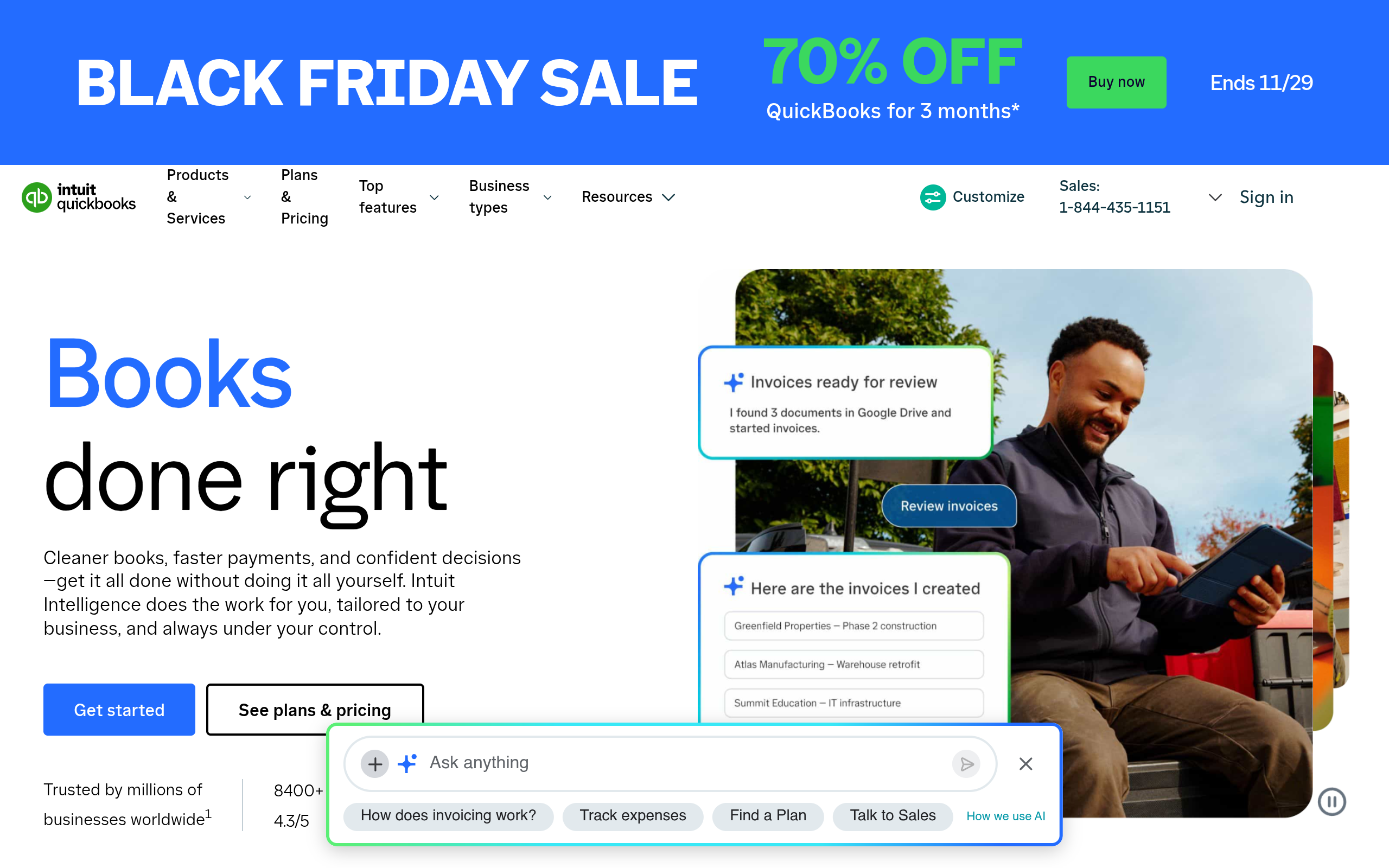
QuickBooks Online is an accounting-led choice: invoices sit within a broader bookkeeping workflow rather than acting as a separate billing island. That can suit a founder who wants customer charges and accounting records to live together, especially when finance work is already being handled in QuickBooks. Its official invoicing page describes creating and sending invoices and accepting online payments, so it is a candidate when the handoff from invoice to collection matters as much as the document itself (QuickBooks Online invoicing).
Setup burden: expect to configure the accounting side as well as invoice details; that is more work than adopting a lightweight invoice-only tool, but may avoid maintaining a separate ledger workflow. Commercial model: it is sold as accounting software on a subscription basis, with payment processing potentially carrying separate costs. It may not suit a founder who only needs a handful of invoices and wants no accounting product to configure.
Verdict
- Best for: founders who want invoices to feed an accounting workflow.
- Does not suit: teams seeking only a minimal invoice-and-payment layer.
- Standout: accounting context is the central distinction, not simply invoice design.
2. Xero
Accounting-first invoicing with connected payment options
Xero is another accounting-led option, but it makes sense to compare it separately when the team is choosing its accounting system as well as its invoice tool. Xero’s invoice guidance covers sending invoices and setting up online payment options. That makes it relevant for a small company that wants customers to pay an invoice online while keeping the accounting workflow in the same product (Xero’s invoice information).
Setup burden: plan to configure the accounting workspace, customer records, and payment approach rather than treating the first invoice as the entire implementation. Commercial model: Xero sells subscription plans; compare the current plan details for the features your workflow requires. Xero may not suit a founder who has already standardized on another accounting platform and wants a standalone billing layer with little migration or setup.
Verdict
- Best for: teams selecting an accounting platform and invoice workflow together.
- Does not suit: businesses that want invoicing without adopting an accounting system.
- Standout: online payment options are presented as part of the invoice workflow.
3. Zoho Invoice

A more invoice-centered starting point
Zoho Invoice is worth shortlisting when the main job is running customer invoicing rather than replacing a full accounting system. Its product page presents invoicing alongside related business tasks, so it is positioned differently from an accounting-led suite. For a founder who wants to create and send invoices without first choosing a complete bookkeeping platform, that narrower starting point can reduce the initial decision scope (Zoho Invoice).
Setup burden: a focused invoicing setup is likely to involve less accounting configuration than adopting a full accounting suite, though payment methods and any connections to other systems still need to be set up. Commercial model: Zoho presents Invoice as a free invoicing product; check the current page for eligibility, limits, and any paid services relevant to your location. It may not suit a company that needs its invoicing tool itself to be the authoritative general ledger.
Verdict
- Best for: founders prioritizing customer invoicing over a full accounting-system decision.
- Does not suit: teams looking for one product to own all bookkeeping needs.
- Standout: an invoice-first option with a free entry point described by the vendor.
4. FreshBooks
Consider it for service work
FreshBooks is a candidate for service businesses where invoices are connected to delivering client work, not just selling a fixed-price product. Its invoice product information describes invoicing as part of a broader small-business workflow. That makes it useful to compare with accounting-led suites if the founder’s priority is managing client billing in a product focused on service businesses (FreshBooks invoicing).
Setup burden: expect to configure customers and the way your business bills; assess whether the surrounding workflow fits before importing records or changing your accounting process. Commercial model: FreshBooks is sold through subscription plans, so compare current plan terms against the number of people who need access and the capabilities your billing process depends on. It may not suit a team that needs a developer-first payment API or has already built its workflow around another accounting system.
Verdict
- Best for: solo operators and small service teams that bill clients.
- Does not suit: product teams seeking payment infrastructure primarily for a custom app.
- Standout: its service-business orientation distinguishes it from a payment processor or general ledger.
5. Wave
A low-friction option for smaller operations
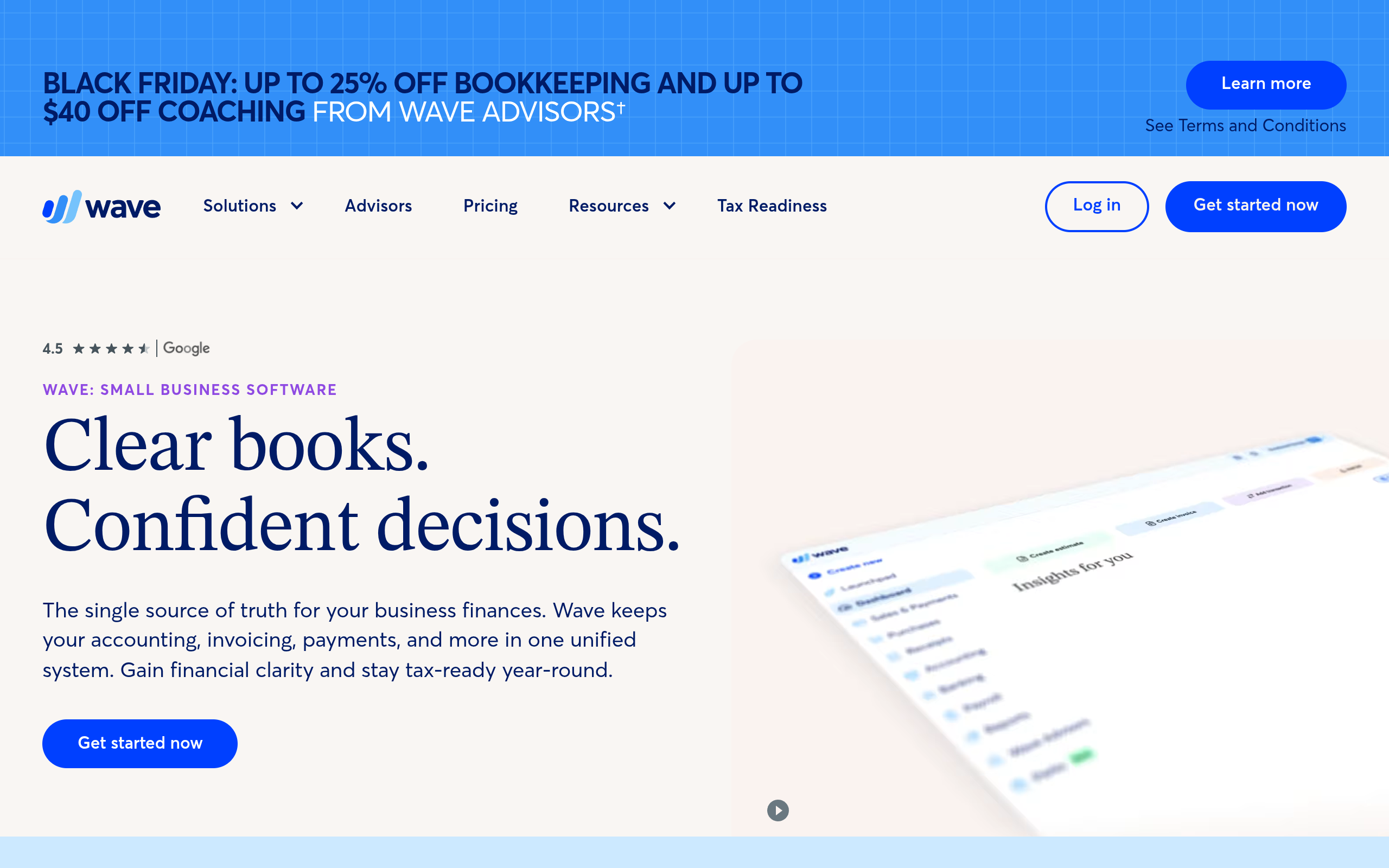
Wave is an option for founders who want to keep small-business invoicing and basic financial administration together without beginning with a more extensive accounting suite. Its invoicing page presents invoice creation and online payment as part of its small-business offering (Wave invoicing). The practical distinction is its entry point: Wave advertises a free Starter plan and a paid Pro plan, so it can be considered by founders trying to keep fixed software costs low. Confirm plan terms and payment charges on the vendor’s current page before deciding.
Setup burden: a simple operation may be able to start with customer and invoice details, but the effort rises if you need to move an existing ledger or connect other finance tools. Commercial model: the free and paid plan structure is distinct from subscription-only choices, while payment-related costs should be evaluated separately. Wave may not suit a startup that needs extensive customization, a developer-led payment workflow, or a specific accounting setup that it cannot confirm in the current product.
Verdict
- Best for: small operations comparing a free entry point with paid features.
- Does not suit: teams requiring a highly customized or API-centered billing system.
- Standout: the advertised Starter and Pro plan structure gives founders a different cost model to assess.
6. Stripe Invoicing

Payment infrastructure rather than a bookkeeping home
Stripe Invoicing is the most payment-led option in this list. Stripe’s product page describes creating and sending invoices through its payments platform. That makes it a fit to consider when customer collection or integration into a software product is central; it is not interchangeable with an accounting package that serves as the company’s books (Stripe Invoicing).
Setup burden: a simple workflow may use Stripe’s own invoicing experience, while a custom product flow can require technical implementation and testing. Commercial model: Stripe’s model is tied to payment and invoicing usage rather than a conventional accounting-software subscription; review the current pricing page for applicable charges (Stripe pricing). It may not suit a founder who wants invoicing to provide the complete bookkeeping workflow without another accounting tool.
Verdict
- Best for: software teams prioritizing payment collection or integration with a product.
- Does not suit: founders seeking a standalone accounting home.
- Standout: payment infrastructure is the core differentiator; bookkeeping is a separate decision.
Comparison
Use this table to narrow the list by the job you need done first. “Setup” is a practical comparison of the workflow described above, not a promise about implementation time; confirm the product’s current plan and payment terms before migrating active billing.
| Tool | Workflow center | Payment handoff | Setup and commercial model |
|---|---|---|---|
| QuickBooks Online | Accounting-led invoicing | Online payment options within the invoice workflow | Accounting configuration; subscription model |
| Xero | Accounting-led invoicing | Online payment options for invoices | Accounting configuration; subscription plans |
| Zoho Invoice | Invoice-centered business workflow | Review available payment methods for your setup | Focused invoicing setup; free product presented by vendor |
| FreshBooks | Small-business and service billing | Review current invoice payment options | Customer and billing setup; subscription plans |
| Wave | Small-business invoicing | Online payment presented with invoicing | Free Starter and paid Pro plans advertised |
| Stripe Invoicing | Payment and invoicing infrastructure | Payment platform is central to the workflow | May require technical work; usage-based commercial model |
How to choose for your invoice workflow
Decide what must happen after “send”
For a bootstrapped founder, invoice creation is often the easy part. The important operational question is what happens when the customer pays, pays late, or asks for a correction. Trace one real or representative invoice through the whole path: drafting, sending, collection, recording, and follow-up. Then decide which system should own the accounting record. If that answer is “the same product,” start with QuickBooks Online or Xero. If the main need is client billing, evaluate Zoho Invoice, FreshBooks, or Wave. If invoicing is part of a product or payment flow, evaluate Stripe.
- Choose an accounting-led tool when avoiding a separate accounting handoff matters more than minimizing setup.
- Choose an invoice-centered product when customer billing is the main job and you do not want to select a full accounting suite on day one.
- Choose payment infrastructure when integration and collection are central, and accept that bookkeeping may need a separate home.
Run a small, comparable evaluation
Use the same scenario in each shortlisted product so you are comparing workflows rather than feature lists. For example, an early-stage consultancy might create an invoice for a client, send it, record a partial payment, and determine how the remaining balance appears. A SaaS founder might instead test a one-off invoice and a repeat billing case. These are illustrative test cases, not claims that every product handles them identically.
- Write down the invoice types and payment paths you actually use.
- Check whether each candidate supports those paths in the plan you would buy.
- Note what needs a separate accounting, payment, or developer tool.
- Estimate the ongoing work of keeping customer and transaction records consistent.
The deciding factor is often the cost of the handoff, not the number of invoice features. A cheaper invoice tool can create extra reconciliation work if it sits apart from the books; a broader system can cost more in setup and subscription commitments than an early team needs. Choose the lightest option that covers your real payment path and leaves a clear route to accurate records.
If you are building an invoice product rather than buying one, SuperPublic helps indie founders publish launches and discover early-stage products. You can submit your product launch and explore SuperPublic at SuperPublic.
Authored with NotFair SEO