Founder field note
Crm Software Selection Criteria: 6 Tools for Early-Stage Startups
Use these crm software selection criteria to compare six startup-friendly CRMs by setup effort, workflow fit, pricing model, and founder needs.
CRM software selection criteria matter most when your team is small enough that every new tool creates work for a founder, salesperson, or engineer. This comparison is for bootstrapped founders, pre-seed teams, and early-stage SaaS companies that need one reliable place to manage prospects, conversations, follow-ups, and deals—not a heavyweight revenue-operations project.
The buyer job is specific: choose a CRM for an early-stage sales pipeline. These products are not interchangeable in practice. Some are broad customer platforms, some are sales-first pipeline tools, and some are flexible relationship databases. A solo founder doing founder-led sales may need speed and context more than automation. A growing startup may accept more setup in exchange for reporting, permissions, and lifecycle management.
I evaluated each option against five practical criteria:
- Time to useful adoption: can a founder create a pipeline and use it consistently without an implementation project?
- Workflow fit: does it support contacts, companies, activities, deal stages, notes, and repeatable follow-up?
- Extension potential: can the system handle forms, email, automation, reporting, or integrations as the startup grows?
- Commercial clarity: is the pricing model understandable for a small team, and what is likely to drive future cost?
- Failure mode: who will be frustrated or poorly served by choosing it?
Pricing and features change, so treat linked official pages as the source of truth in 2026. The comparison below is a decision aid, not a promise that any plan includes a particular capability.
1. HubSpot CRM
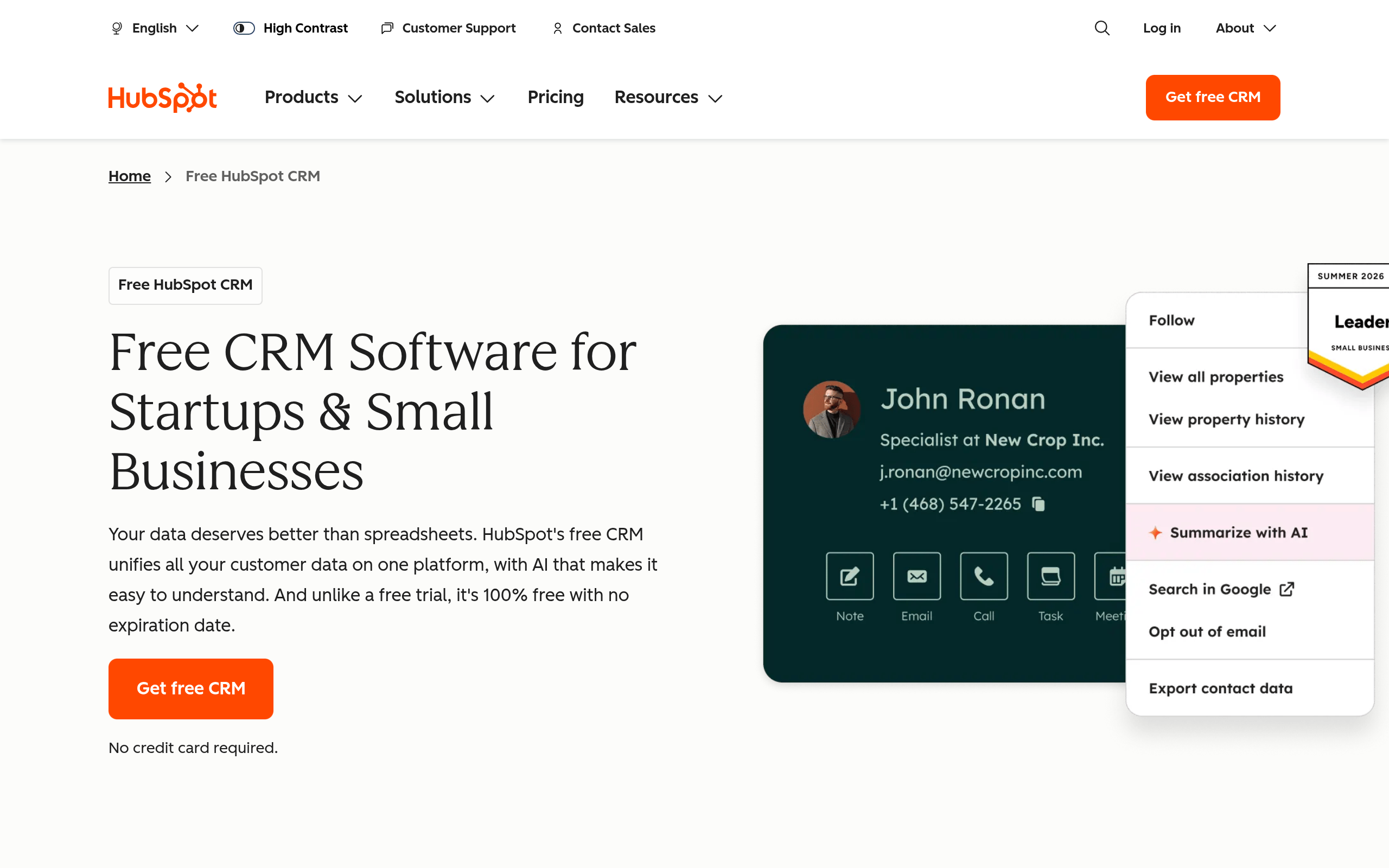
HubSpot CRM is the broadest option here for a startup that expects sales activity to sit alongside marketing, support, forms, and customer data. Its appeal is not simply having a deal board. It is the possibility of starting with a recognizable CRM and adding adjacent HubSpot products when the operating model becomes more complex.
Where it fits and where it strains
The free entry point can make HubSpot easy to trial, while the wider product family creates a path toward more sophisticated automation and reporting. The trade-off is platform complexity: teams can accumulate objects, properties, workflows, and subscriptions before they have a clear sales process. HubSpot describes its CRM capabilities and connected customer tools on its official product page, but current plan boundaries should be checked before committing to a workflow.
- Best for: startups that want sales, marketing, and customer records to grow in one ecosystem.
- Does not suit: founders who only need a lightweight pipeline and dislike administration.
- Standout: a broad path from simple contact management to a more complete go-to-market stack.
Implementation and commercial model
Implementation burden is moderate. Start with only lifecycle stage, owner, next step, expected close date, and source. Resist importing every historical contact or creating custom fields before the team has used the basic pipeline for a few weeks. The commercial model is freemium entry plus paid hubs, seats, features, or tiers, depending on the product combination. Verify current limits and plan requirements on HubSpot’s official [pricing page](https://www.hubspot.com/pricing). It is a poor fit when the team cannot assign an owner to CRM hygiene or when the likely future bill is harder to forecast than the value of the pipeline.
2. Pipedrive
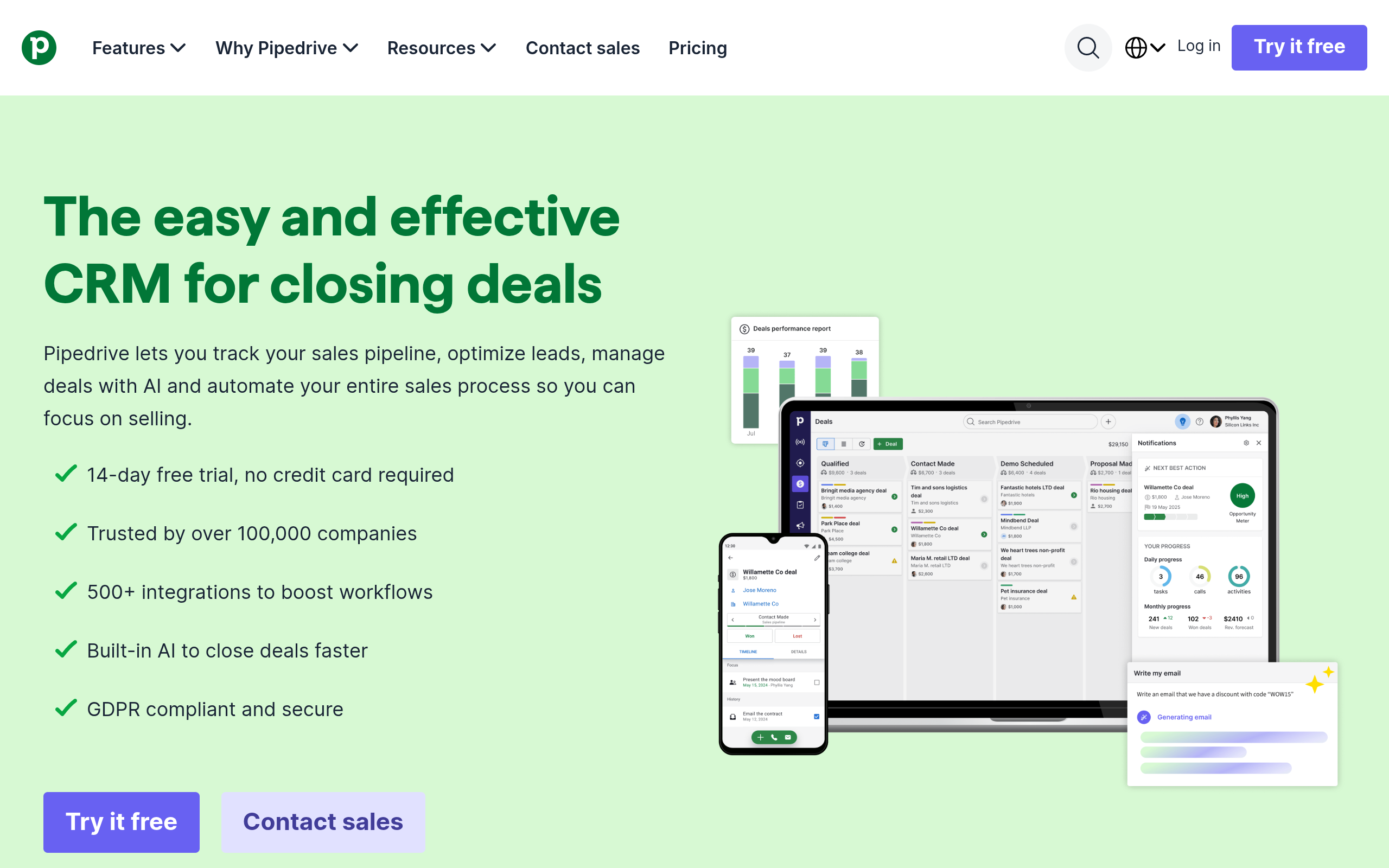
Pipedrive is a sales-first CRM built around visual deal management. That makes it a strong candidate for a founder-led SaaS motion where the central question is, “What happens next for each qualified opportunity?” Its official feature overview emphasizes pipeline management, activities, leads, and sales workflows, making it easier to map the product to a concrete sales process than to a broad customer-platform strategy.
Where it fits and where it strains
Pipedrive works well when opportunities move through recognizable stages: discovery, technical review, proposal, negotiation, and closed. A founder can make the pipeline actionable by requiring one next activity for every open deal. It is less suitable when the team needs a deeply unified marketing, support, and product-usage record without assembling additional tools.
- Best for: small sales teams that manage opportunities through a clear, repeatable pipeline.
- Does not suit: a product-led startup whose main need is behavioral analytics rather than sales follow-up.
- Standout: pipeline visibility that encourages activity-based selling instead of passive contact storage.
Implementation and commercial model
Implementation burden is low to moderate. Define stages by buyer commitment, not internal tasks: “demo scheduled” is usually more useful than “send demo email.” Then configure activities, required fields, and a small number of views. Pipedrive uses a tiered, per-seat subscription model; its current feature and plan boundaries should be checked on the official [features page](https://www.pipedrive.com/en/features) and [pricing page](https://www.pipedrive.com/en/pricing). The model can become less attractive if many occasional collaborators need access or if your process needs extensive non-sales objects.
3. Zoho CRM
Zoho CRM suits startups that want a configurable CRM and may later use a wider business software suite. Its strength is breadth: teams can model leads, contacts, accounts, deals, activities, and custom processes rather than being limited to a single visual pipeline. Zoho’s official product materials document modules, automation, analytics, and customization, but the practical question is whether your team will maintain that flexibility.
Where it fits and where it strains
Zoho is a candidate for an early-stage company with unusual sales stages, multiple business lines, or a preference for configuring processes rather than adopting a prescribed workflow. It can also be a sensible choice when the company wants related business applications from the same vendor. The downside is configuration overhead. A flexible CRM can encode a bad process just as efficiently as a good one.
- Best for: teams that need customization and are willing to appoint an internal process owner.
- Does not suit: a solo founder who wants to sign in and understand the system immediately.
- Standout: breadth of modules and configurable CRM structure.
Implementation and commercial model
Implementation burden is moderate to high relative to the simpler options in this list. Begin with the standard modules and one sales process; only add custom modules after you can explain why a standard record cannot represent the job. Zoho uses edition-based subscription pricing, with plan capabilities and billing details published on its official [CRM pricing page](https://www.zoho.com/crm/zohocrm-pricing.html). It does not suit teams that will not document field definitions, ownership, and data-entry rules. A configurable CRM without governance becomes a collection of contradictory workarounds.
4. Freshsales
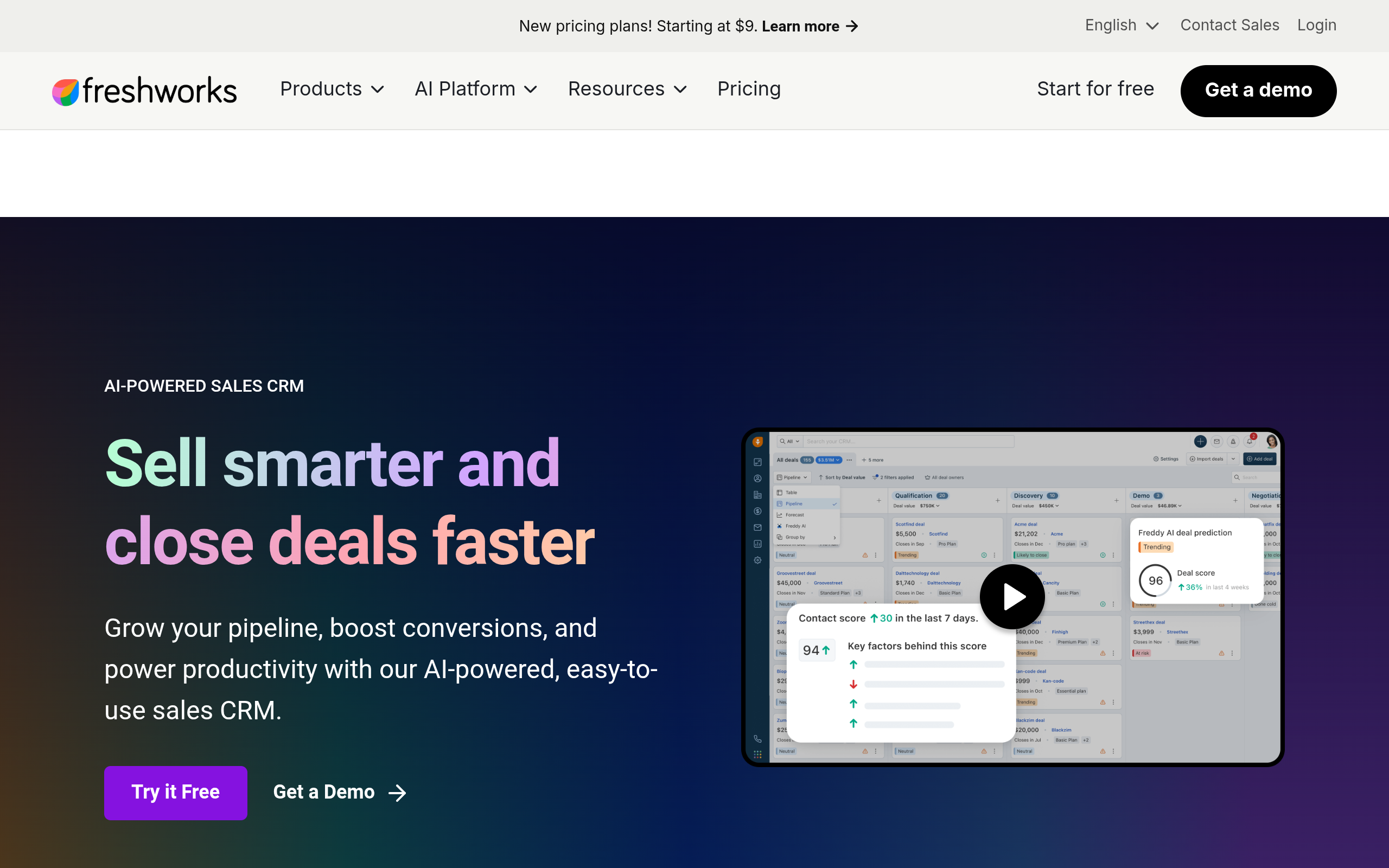
Freshsales is a sales CRM from Freshworks for teams that want contact and deal management with built-in communication and automation options. It belongs in this comparison because it targets a similar job to Pipedrive and HubSpot: helping a small revenue team organize prospects and move opportunities forward.
Where it fits and where it strains
Freshsales is worth considering when the team wants more than a spreadsheet but does not yet need a large enterprise implementation. Its product positioning includes lead, contact, account, deal, and sales-activity capabilities. Confirm current functionality and plan limits on the official product and pricing pages before designing a process around a specific feature.
- Best for: early sales teams seeking a conventional CRM with communication and automation options.
- Does not suit: founders who want a very minimal relationship notebook with almost no setup.
- Standout: a middle ground between a basic pipeline and a broad customer platform.
Implementation and commercial model
Implementation burden is moderate. Decide first whether the primary record is a lead, contact, account, or deal; unclear definitions create duplicate records and unreliable reports. Create one qualification view and one “needs action” view before attempting advanced automation. Freshsales follows a subscription tier model, and the current plan structure should be verified through Freshworks’ official [Freshsales pricing page](https://www.freshworks.com/freshsales-crm/pricing/). It is not ideal if your team needs an unusually flexible data model or if nobody will monitor duplicate and incomplete records.
5. Capsule CRM
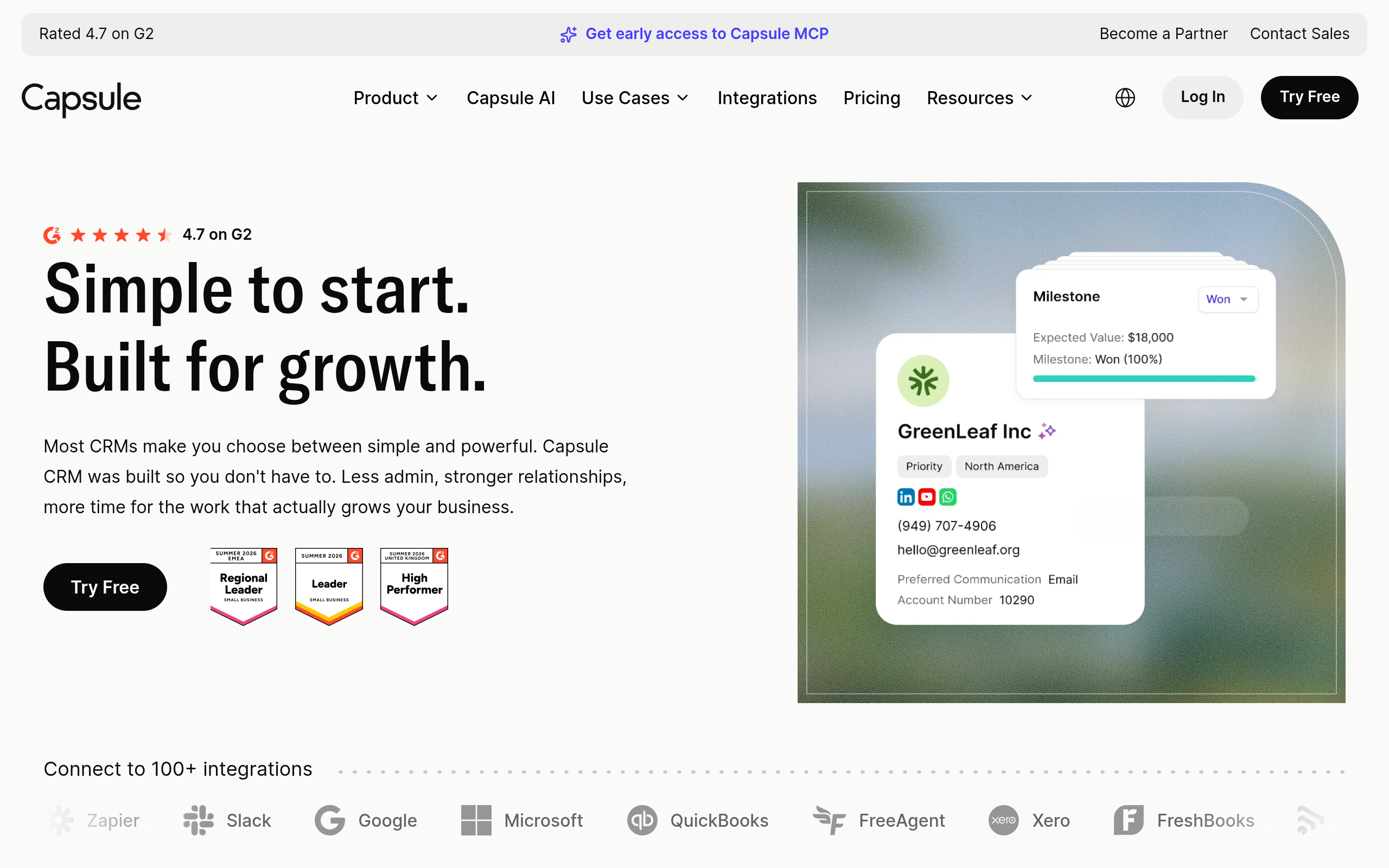
Capsule CRM is a lighter relationship-management option for small businesses and founder-led teams. It focuses on people, organizations, opportunities, tasks, notes, and interaction history. That narrower center of gravity can be valuable: the system is less likely to become a sprawling operations project when the immediate need is remembering who has been contacted and what should happen next.
Where it fits and where it strains
Capsule is a good fit for consultative selling, partnerships, services, and early SaaS outreach where relationship context matters as much as stage probability. A founder could create tags for investor, design partner, agency, or target account and use opportunities for active commercial conversations. It is less compelling for a team that expects sophisticated campaign orchestration, highly customized objects, or complex revenue reporting.
- Best for: small teams that need clean relationship history and straightforward opportunity tracking.
- Does not suit: organizations planning elaborate automation, territory models, or enterprise forecasting.
- Standout: a focused CRM surface that can be easier to keep current than a broad platform.
Implementation and commercial model
Implementation burden is low. Import only active prospects and strategic relationships, establish a small tag vocabulary, and make the next task visible on every open opportunity. Capsule uses plan-based subscription pricing; current features, limits, and free or paid-plan terms are listed on its official [pricing page](https://capsulecrm.com/pricing/). It does not suit a startup that already knows it needs deep marketing attribution or a highly programmable data model. In that case, simplicity may become a ceiling rather than an advantage.
6. Attio

Attio is a flexible, modern CRM for teams that want to shape records and workflows around their own business. Rather than treating every company as having the same sales process, Attio’s model is attractive to startups managing a mixture of prospects, investors, partners, customers, and community relationships.
Where it fits and where it strains
Attio can be useful when a startup’s “CRM” is really a living relationship database. For example, an indie founder may want one account connected to a prospect, a podcast host, a design partner, and a community introduction, with different views for each job. That flexibility is also its main risk: customization can delay adoption if the team spends more time designing views than contacting buyers.
- Best for: startups with relationship-heavy work and a willingness to design their own operating system.
- Does not suit: teams that want a prescriptive, sales-manager-approved pipeline out of the box.
- Standout: flexible records and views for relationships that do not fit one conventional funnel.
Implementation and commercial model
Implementation burden is moderate. Define the minimum objects and views first: people, companies, opportunities, and a follow-up queue are usually enough to begin. Attio publishes its current plan structure and included capabilities on its official [pricing page](https://attio.com/pricing). The commercial model is tiered software subscription pricing, so verify record, automation, collaboration, and feature limits before importing a large dataset. Attio is a poor fit when the team cannot agree on shared definitions or when a flexible workspace would create several competing versions of the pipeline.
Comparison
The table is intentionally practical. “Setup burden” means the work required to reach a useful first version, not the time needed to configure every possible capability. “Commercial shape” describes the model at a high level; verify current prices and limits on each linked official page.
| CRM | Best operating model | Setup burden | Commercial shape | Primary limitation |
|---|---|---|---|---|
| HubSpot CRM | Sales connected to marketing and customer operations | Moderate | Freemium entry with paid products, tiers, or seats | Can become complex and costly as the stack expands |
| Pipedrive | Clear, activity-driven sales pipeline | Low to moderate | Tiered per-seat subscription | Less natural for broad non-sales relationship operations |
| Zoho CRM | Configurable processes and wider business-suite use | Moderate to high | Edition-based subscription | Requires stronger administration and process governance |
| Freshsales | Conventional small-team sales process with communication tools | Moderate | Subscription tiers | May not fit highly unusual data models or minimal workflows |
| Capsule CRM | Simple relationship history and opportunity tracking | Low | Plan-based subscription | Not designed for elaborate automation or enterprise forecasting |
| Attio | Flexible relationship database for mixed founder workflows | Moderate | Tiered software subscription | Flexibility requires shared definitions and thoughtful setup |
How to choose a CRM without creating another startup project
Start with the workflow your team must perform every week, not with a feature checklist. If the workflow is “capture a lead, schedule a call, qualify the account, send a proposal, and follow up,” a sales-first product such as Pipedrive may be easier to operate. If the workflow is “manage prospects, partners, investors, and customers in related views,” Attio or Capsule may deserve closer attention. If marketing and support will soon share the same customer record, HubSpot or Zoho may justify their greater setup burden.
Use a small test dataset rather than a generic demo. Select ten real or representative records:
- one inbound signup with incomplete information;
- one founder introduction with several contacts at the same company;
- one stalled opportunity that needs a dated follow-up;
- one active deal with multiple stakeholders;
- one relationship that is valuable but not yet a sales opportunity.
Then run the same five actions in every product:
- create or import the person and company;
- record the source and relevant context;
- move an opportunity through two stages;
- schedule a next action that another teammate can understand;
- find all records needing attention this week.
Do not reward a CRM for having a capability your team will not maintain. A technically powerful automation that depends on perfect data entry may be less useful than a simple task queue that the founder checks every morning. The most important selection criterion is often behavioral reliability: can the team keep the system accurate when a launch, support issue, or fundraising deadline interrupts the plan?
Before signing up, write down three policies. First, define what qualifies as a lead, an opportunity, and a customer. Second, decide who owns the next action. Third, choose the minimum fields required to move a deal. These policies prevent the common failure where a CRM becomes a contact graveyard with attractive dashboards.
For a bootstrapped SaaS founder with a recognizable sales pipeline, start with Pipedrive or Freshsales if activity management is the priority. Choose Capsule when relationship history and simplicity outweigh advanced automation. Choose HubSpot when a connected marketing and customer platform is part of the plan. Choose Zoho when customization and a broader suite justify an administrator. Choose Attio when your startup needs a flexible relationship layer and can agree on its structure.
Use a short pilot with a defined exit rule: for example, an illustrative starting policy could be that every active opportunity has an owner, stage, next action, and source after two weeks. If the team cannot maintain those basics, adding more CRM features will not solve the underlying process problem. Once the workflow works, founders can submit your product launch to put their own emerging software in front of an audience interested in early-stage tools.
For founders building or discovering indie software, SuperPublic can also help connect product launches with an early adopter and founder community. It is a useful complement to CRM outreach—not a replacement for the system where your customer conversations and follow-ups live.
Authored with NotFair SEO