Founder field note
7 Product Promotion Poster Tools for Startup Launches in 2026
Compare 7 product promotion poster tools for startup launches, from fast templates to collaborative design and founder-focused product discovery.
A product promotion poster is most useful when it turns a launch message into one clear visual: what the product does, who it is for, and what the viewer should do next. For bootstrapped and pre-seed teams, Canva, Adobe Express, VistaCreate, PosterMyWall, Piktochart, and Figma are credible tools for making that asset; SuperPublic belongs in a separate distribution category because it helps a founder put the launch in front of an early-stage product audience rather than design the poster itself.
This comparison is for founders promoting a new SaaS product, AI tool, mobile app, or developer product without a dedicated brand or design team. It is not a ranking of every graphic editor. The buyer job is narrower: create a launch-ready poster efficiently, then decide whether you also need a channel that can deliver qualified early attention.
I evaluate each option on four practical points: time to a credible first draft, control over brand and layout, implementation burden for a small team, and commercial model. For SuperPublic, the relevant test changes slightly: does it provide a useful launch-discovery path, and can it complement—not replace—the poster creation workflow? Capabilities, terms, and pricing can change, so verify the linked official pages before committing.
1. Canva
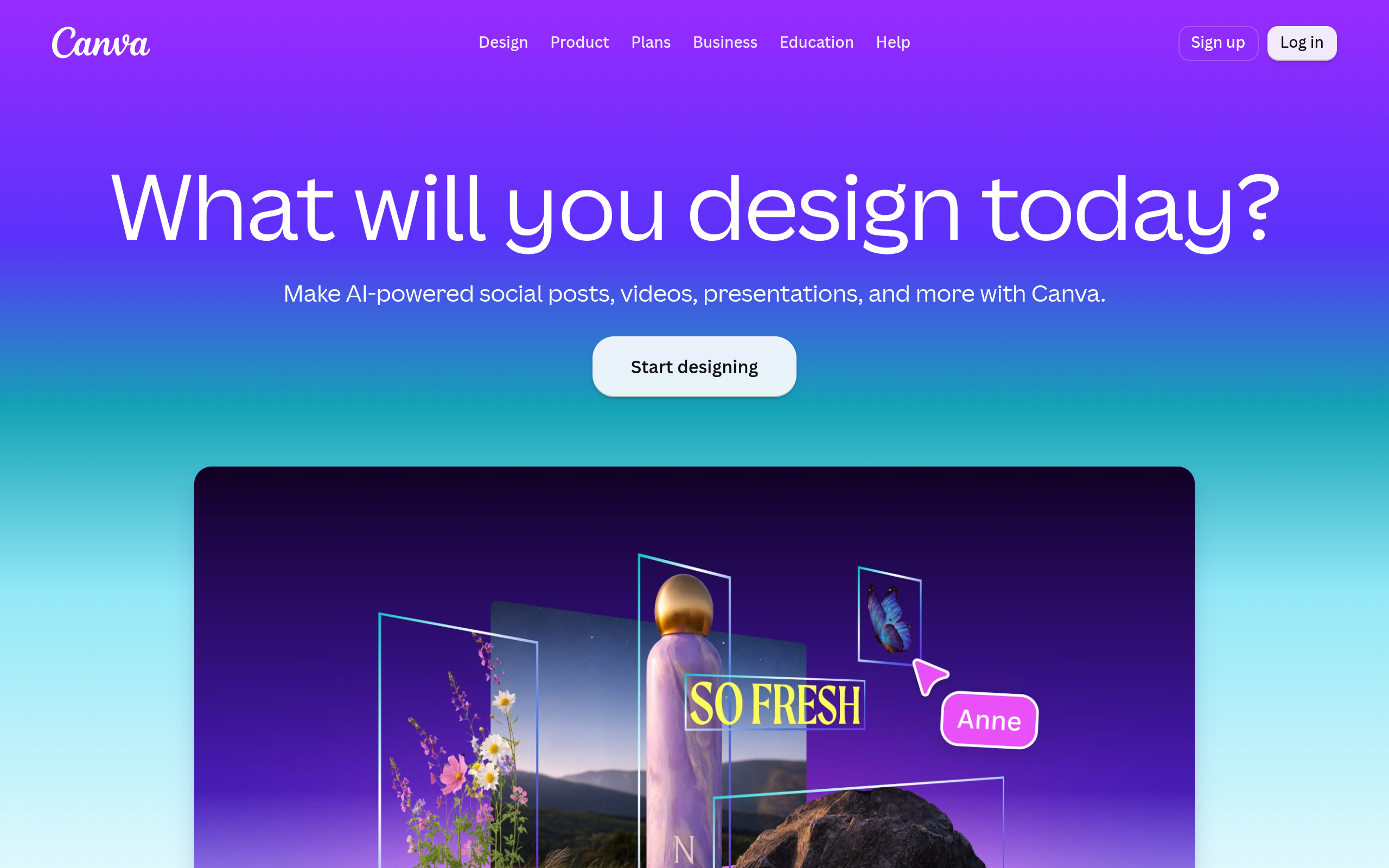
Best for fast, template-led launch graphics
Canva is the most straightforward choice when a founder needs a poster before a launch announcement, demo day, waitlist push, or community post. Its poster workflow is built around choosing a format, adapting a template, replacing the copy and visuals, and exporting an image. The official Canva poster maker page confirms that poster creation is a supported use case, while the pricing page explains that access is split across free and paid offerings.
The advantage is not unusual design sophistication. It is low friction under deadline. A founder can start with a visual hierarchy instead of an empty canvas: product name, one-line promise, screenshot, and call to action. That makes Canva especially practical for a launch such as “Turn support tickets into searchable answers,” where the poster needs to communicate one job rather than explain the entire product.
Trade-offs for a lean startup
- Best for: founders who need several competent variants for social posts, email, communities, or a launch page.
- Does not suit: teams that need highly controlled interface specs, complex vector systems, or a distinctive identity built from first principles.
- Standout: the fastest path from a blank brief to a recognizable promotional asset.
Implementation burden: low. Establish a small brand kit first—logo treatment, two type styles, colors, and one screenshot rule—so later edits do not drift. Commercial model: a free entry point and paid plans are listed on Canva’s official pricing page; check whether the specific assets and export options you need are included in your current plan.
2. Adobe Express
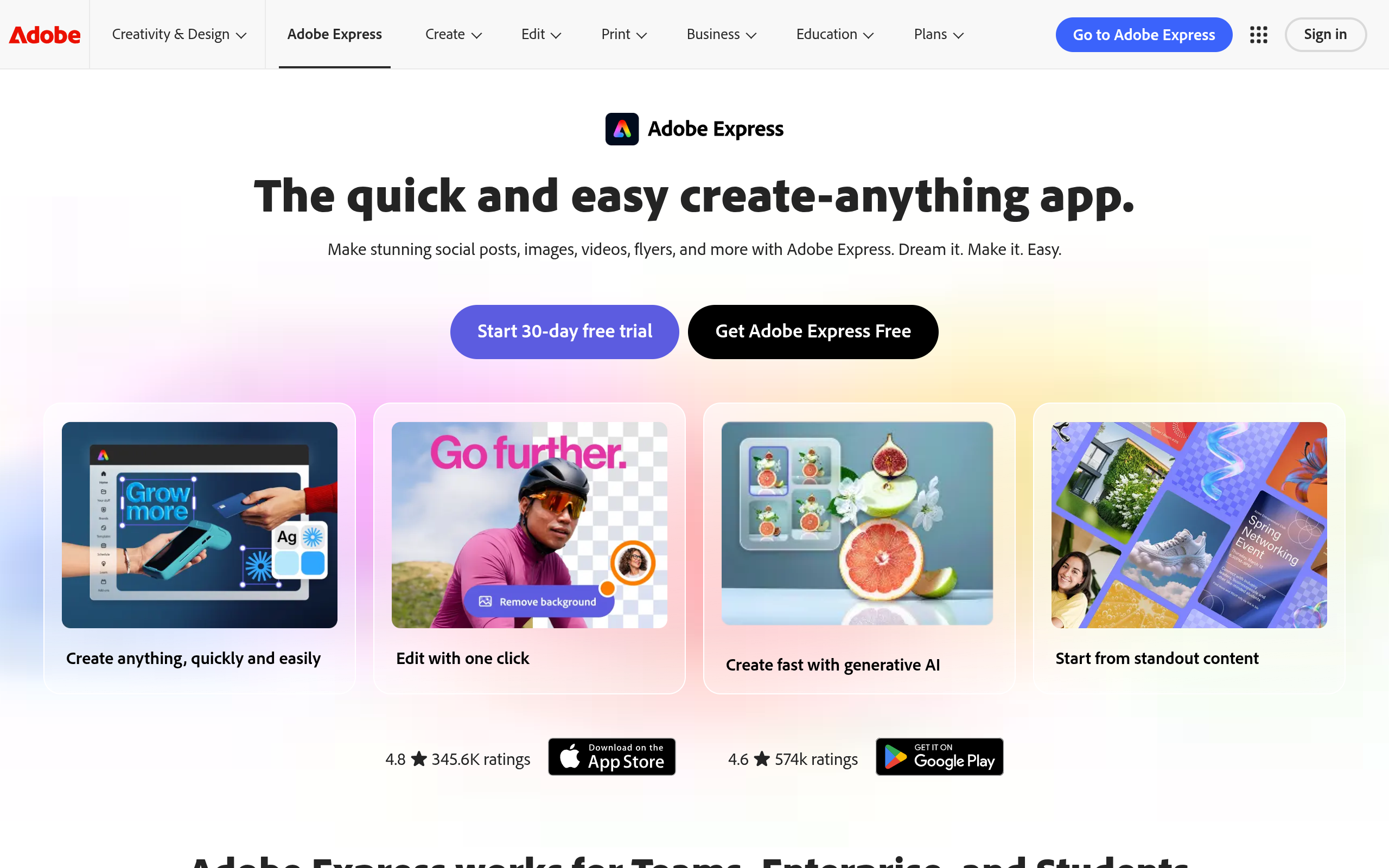
Best for polished marketing assets with Adobe familiarity
Adobe Express is a strong alternative when the poster must sit alongside other marketing materials and the team already works near Adobe’s ecosystem. Its official online poster maker page describes poster-focused creation, including template-led editing and customization. The product is aimed at quick content creation rather than replacing a full professional design application.
For a startup, that distinction matters. A poster for an AI meeting-notes product may need a product screenshot, a short benefit statement, and a QR code. Express can be a sensible middle ground when Canva’s visual starting points feel too generic but a full Illustrator workflow would slow down the launch. The practical test is whether your team can preserve message hierarchy before visual decoration.
Operational fit and limitations
- Best for: small marketing teams that want accessible templates and a more Adobe-oriented workflow.
- Does not suit: founders looking for a specialized launch audience, or teams requiring advanced product-interface collaboration inside the poster tool.
- Standout: a useful bridge between quick template editing and a broader creative software environment.
Implementation burden: low to moderate. A founder can work from a template, but a consistent campaign still requires reusable copy rules and approved imagery. Commercial model: Adobe lists free and paid Express plans on its official pricing page; confirm current limits, premium assets, and export requirements in 2026.
3. VistaCreate
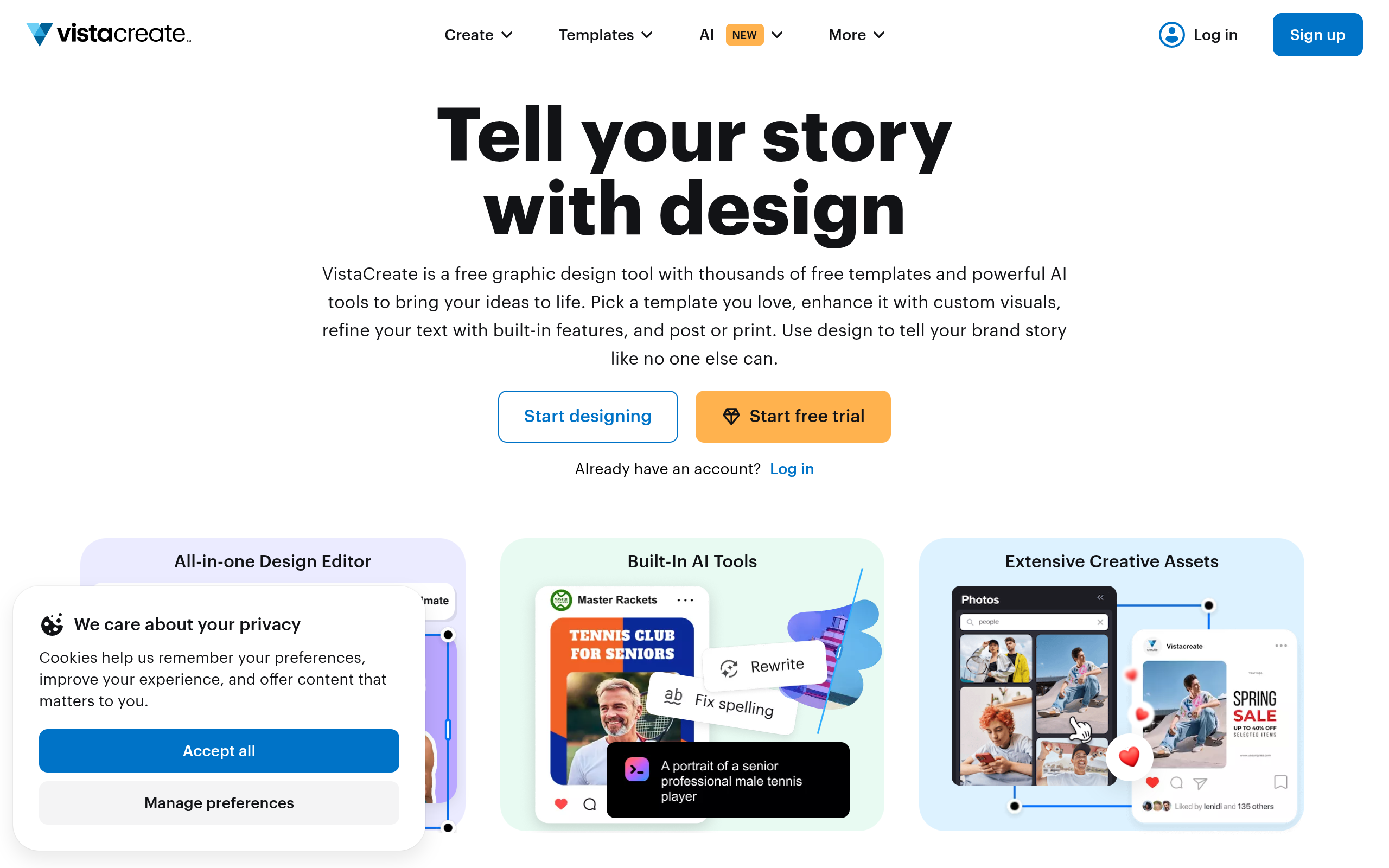
Best for social-first promotional variations
VistaCreate is designed for people who want to adapt visual content across common promotional formats without becoming a full-time designer. Its official poster creation page provides a specific route into poster templates. That makes it relevant for a startup that needs a launch poster plus resized versions for a social announcement, event screen, or community update.
The useful mechanism is variation without rewriting the campaign. Start with one promise—say, “Monitor every scheduled job from one dashboard”—then create a poster, square post, and story-sized asset while keeping the headline and call to action stable. This reduces the common early-stage problem where every channel says something different.
Where it earns its place
- Best for: founders repurposing one launch message across visual channels.
- Does not suit: teams whose main requirement is pixel-level product UI design or developer handoff.
- Standout: a practical template workflow for campaign families rather than one isolated poster.
Implementation burden: low. The real work is deciding which message remains fixed across variants and which visual elements can change. Commercial model: VistaCreate describes its plan structure at create.vista.com/pricing; verify current free and paid access before building a campaign around particular assets or features.
4. PosterMyWall
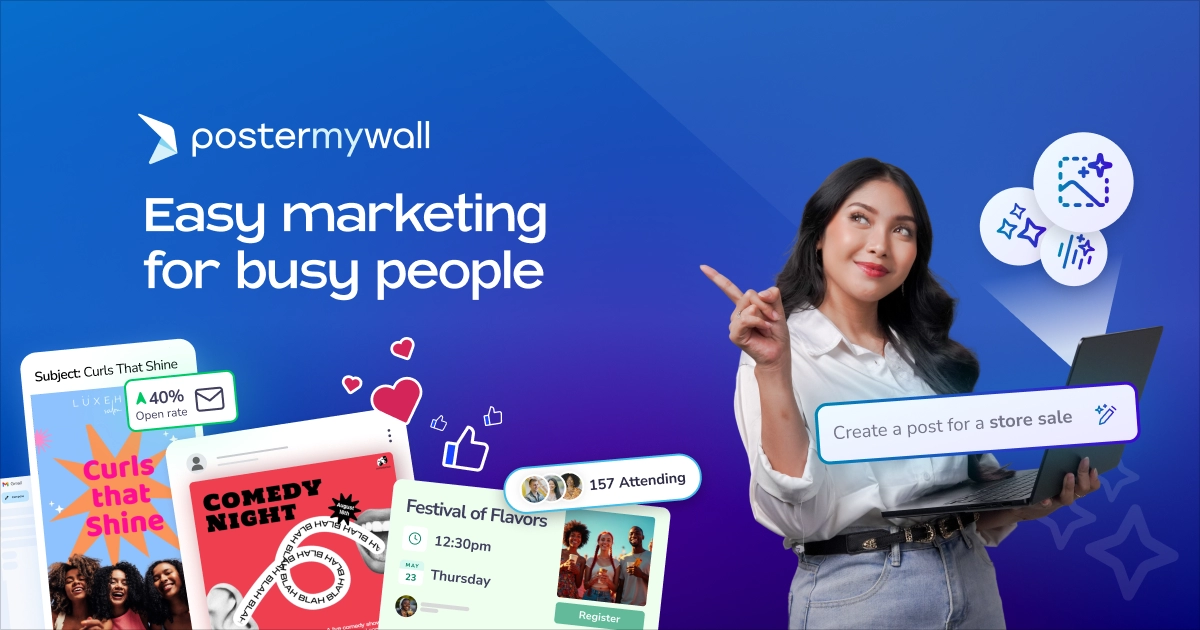
Best for event-style posters and promotional announcements
PosterMyWall is a focused option for teams that think in terms of posters, flyers, announcements, and event promotion rather than a complete brand system. Its official homepage at postermywall.com establishes the product and its poster-oriented use case. It can fit a startup presenting at a local meetup, accelerator showcase, coworking event, or online workshop where the visual needs to feel like an invitation.
That orientation is both its strength and its constraint. A launch poster for an analytics tool may benefit from a bold “Join the beta” treatment and a scannable destination. But a product-led SaaS campaign that needs a restrained interface screenshot, a website hero, and a coordinated investor update may need more control than an event-poster workflow naturally provides.
Decision points for founders
- Best for: event announcements, promotional flyers, bold calls to action, and quick offline or digital signage.
- Does not suit: teams seeking a deep design system or a founder-discovery network.
- Standout: its narrow poster-and-promotion orientation can be faster than adapting a general design canvas.
Implementation burden: low for a single announcement and moderate if you need a coherent family of assets. Commercial model: consult the official site for current export, asset, and subscription terms rather than assuming the same limits as other template tools. This is a good candidate for a one-off campaign, but verify licensing and download conditions before paid distribution.
5. Piktochart
Best for information-heavy product explanations
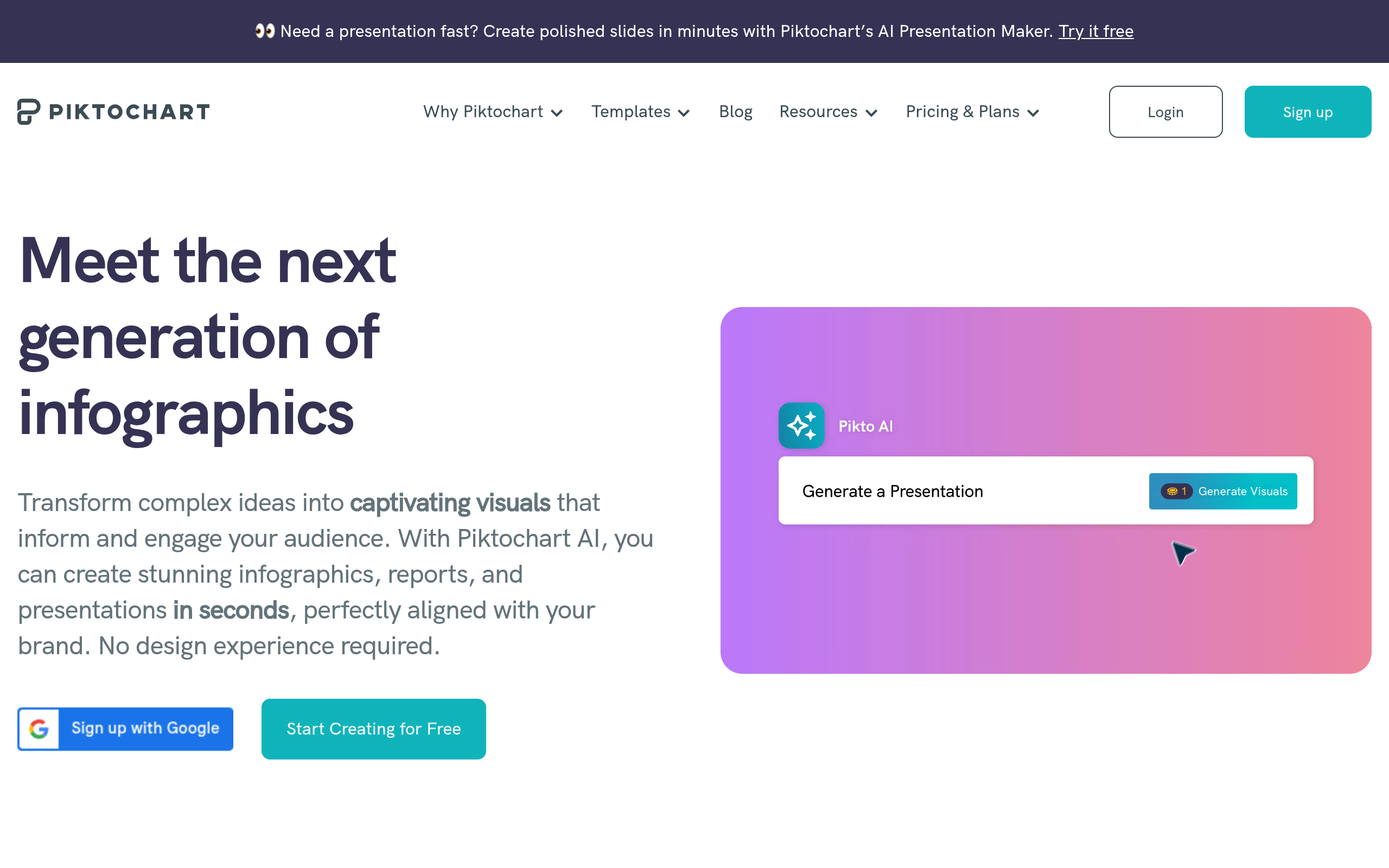
Piktochart is worth considering when the poster has to explain a process, comparison, workflow, or data point. Its official poster formats page presents posters as one of the supported content types. That makes it different from a purely visual announcement tool: the value is in structuring information so the viewer can scan it.
For example, a developer platform might use a poster to show “ingest data, set rules, receive an alert” rather than merely display its logo. Piktochart can make that explanation easier to organize, but the founder must resist turning the asset into a miniature product page. One poster should answer one question, such as “How does this workflow save a support team time?”
Fit, burden, and pricing
- Best for: workflow diagrams, product education, comparison visuals, and launch assets with a small amount of meaningful data.
- Does not suit: a minimal brand poster where one headline and one screenshot are all the audience needs.
- Standout: clearer information architecture for a product that requires explanation before conversion.
Implementation burden: moderate. You need to write and simplify the information before design begins; otherwise the poster becomes a crowded infographic. Commercial model: Piktochart publishes plan information at piktochart.com/pricing. Check current export and branding conditions, especially if the poster will be used in a paid campaign or printed for an event.
6. Figma
Best for custom layouts and team review
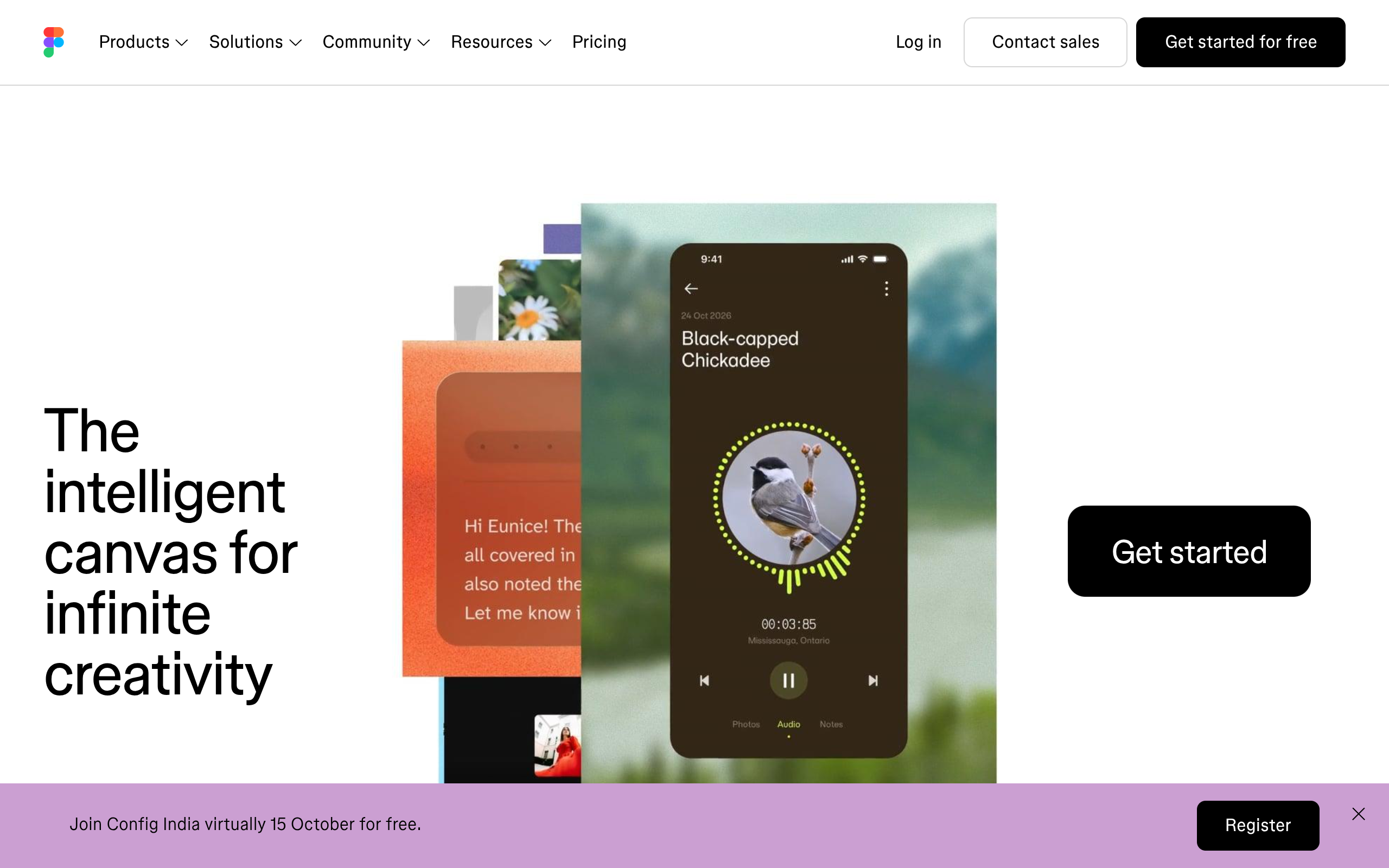
Figma is the strongest option in this list when the poster must be custom-built, reviewed with teammates, and connected to an existing product or brand design process. Its official homepage identifies the collaborative design platform, while its pricing page documents the current plan structure. Figma is not the quickest template picker, but it gives a capable team more control over spacing, components, typography, and reusable layouts.
This is useful for a startup with a real design language already in progress. A product designer can place an authentic dashboard screenshot, reuse approved components, and ask a founder or marketer to comment in the same working file. The trade-off is that Figma rewards people who understand frames, constraints, layers, and export settings. Control increases the need for layout judgment.
Who should and should not use it
- Best for: teams with a designer, an established visual system, or a need for precise custom composition.
- Does not suit: a solo founder who needs a credible first draft in ten minutes and has no interest in learning a design canvas.
- Standout: reviewable, reusable design work rather than disposable template editing.
Implementation burden: moderate to high for non-designers, lower when a designer creates a reusable launch frame. Commercial model: consult Figma’s official pricing page for current editor, collaboration, and file-access terms. Do not choose it solely because it is flexible; choose it when that flexibility prevents repeated rework.
7. SuperPublic
Best for distributing a finished launch to an indie-product audience
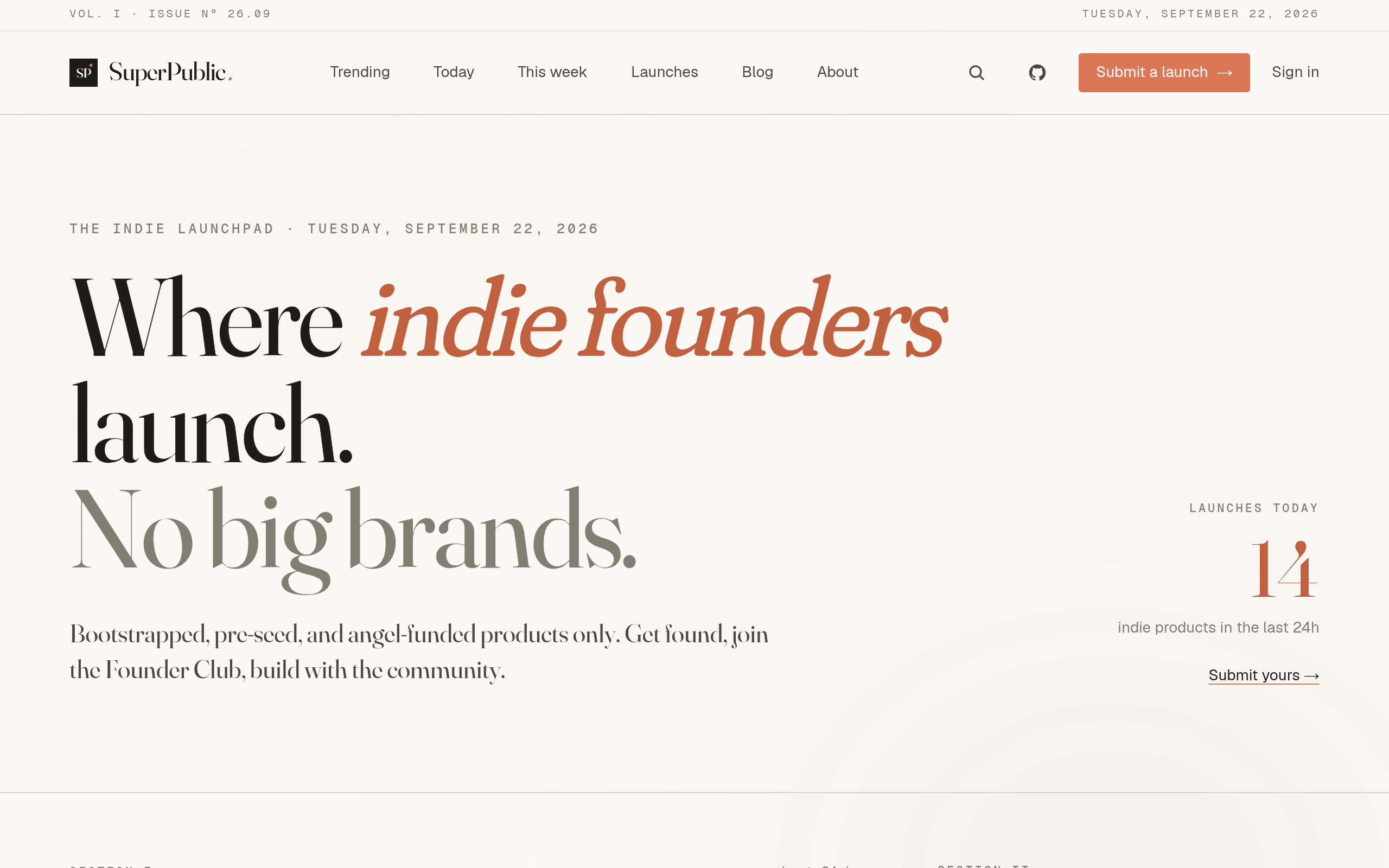
SuperPublic is not a poster design application. It is a launch and discovery channel for bootstrapped, pre-seed, and angel-funded products. Founders can submit a product launch, gain visibility, discover other early-stage products, and connect with a founder community. The relevant workflow is therefore: create the poster elsewhere, use it as supporting launch material, and submit the underlying product for discovery.
This solves a different bottleneck. A polished poster does not automatically create qualified attention. If your product is an early-stage SaaS tool and the goal is feedback, first users, or founder conversations, a founder-focused discovery environment can complement distribution through your own email list and social channels. The poster still needs a specific destination: a waitlist, demo, product page, or feedback form.
Trade-offs for a launch channel
- Best for: early-stage founders seeking product visibility and conversations with other builders and early adopters.
- Does not suit: someone who only needs to edit a poster, buy broad media reach, or manage a paid advertising campaign.
- Standout: it addresses the audience and discovery problem that design software leaves untouched.
Implementation burden: moderate if the launch is prepared properly. Write a clear one-sentence description, choose the strongest product image, link to a usable destination, and be ready to answer questions. Commercial model: review the current submission process and terms at the official SuperPublic site; do not assume that submitting a launch replaces ongoing distribution or community participation.
Comparison
The table separates the six creation tools from SuperPublic’s distribution role. “Poster workflow” means the job the product directly performs; “best launch stage” indicates where a small startup is most likely to get practical value. Pricing labels are deliberately broad because plans and limits can change.
| Entity | Primary job | Poster workflow | Implementation burden | Commercial model to verify |
|---|---|---|---|---|
| Canva | Fast promotional design | Template-led posters and campaign variants | Low | Free entry point plus paid plans |
| Adobe Express | Accessible marketing design | Poster templates with Adobe-oriented workflow | Low–moderate | Free and paid plans |
| VistaCreate | Social-first visual variations | Posters adapted across promotional formats | Low | Free and paid plans |
| PosterMyWall | Event and announcement promotion | Poster- and flyer-focused creation | Low–moderate | Verify current export and subscription terms |
| Piktochart | Visual product explanation | Information-rich posters and diagrams | Moderate | Free and paid plans; verify export limits |
| Figma | Custom collaborative design | From-scratch layouts and reusable launch frames | Moderate–high | Plan structure based on files, seats, and collaboration; verify current terms |
| SuperPublic | Early-stage product discovery | Does not create posters; distributes the product launch | Moderate | Verify current submission process and terms |
How to choose the right Product Promotion Poster workflow
Start with the audience action
Choose the tool after deciding what the viewer should do. A poster that asks someone to join a beta needs a short promise, product evidence, and one destination. A poster for a founder event needs date, context, and registration details. A poster explaining an API needs a workflow that can survive a quick scan. These are different communication jobs, even when all three use the same image dimensions.
- Need speed: start with Canva, Adobe Express, or VistaCreate.
- Need an event announcement: consider PosterMyWall.
- Need to explain a workflow: consider Piktochart.
- Need custom control and review: use Figma.
- Need qualified early visibility: pair a creation tool with SuperPublic and other owned channels.
Use a one-screen launch brief
Before opening a design tool, write four lines: the audience, the painful job, the product promise, and the next action. For an illustrative startup brief: “For small support teams; turn repeated questions into a searchable knowledge base; connect existing docs in minutes; join the private beta.” If the poster cannot express that sequence, changing templates will not solve the problem.
Keep the product screenshot large enough to establish credibility, but do not make the interface carry the entire explanation. One headline, one proof point, and one call to action is a useful starting policy for an early launch. Treat it as a working rule, not a universal conversion benchmark.
Separate creation from distribution
A poster is an asset, not a channel. Publish it where the intended audience already has a reason to pay attention: a launch page, relevant community, email update, event screen, or founder-discovery platform. If the destination is a waitlist, make the same promise visible on the landing page so the click does not create a message mismatch.
For a bootstrapped product, a sensible sequence is to make one master poster, create only the essential variants, and then submit your product launch with a concise description and a useful destination. Use SuperPublic when the product is ready for discovery and conversation, not as a substitute for onboarding, customer support, or a clear product page.
Make the final choice by bottleneck
Pick Canva or Adobe Express when the bottleneck is time. Pick VistaCreate when the bottleneck is adapting one message across formats. Pick PosterMyWall when the bottleneck is an event-style announcement. Pick Piktochart when the bottleneck is explanation. Pick Figma when the bottleneck is control and review. Add SuperPublic when the bottleneck is reaching people who care about emerging products.
The most reliable 2026 workflow for an indie founder is usually not one “winning” tool. It is one clear poster, one measurable destination, and one audience-specific distribution path. When your product is ready to be discovered by other founders and early adopters, SuperPublic can provide the launch and community layer that a design editor cannot.
Authored with NotFair SEO