Founder field note
7 Product Marketing Software Options for Bootstrapped Launches in 2026
Compare 7 product marketing software options for indie launches, with practical trade-offs across email, social, in-app messaging, and discovery.
Product marketing software is not one uniform category. A solo founder may mean a way to announce a launch, while a growing SaaS team may mean lifecycle email, in-app onboarding, customer education, or a measurable acquisition funnel. This list is for bootstrapped founders, pre-seed teams, angel-funded startups, and early adopters choosing a practical system for getting a software product discovered and understood in 2026.
The buyer job used here is specific: turn a product release into qualified attention and useful customer action. The seven options cover the main ways an early-stage team can do that, but they are not interchangeable. HubSpot is a broader marketing system; Mailchimp handles owned email; Buffer handles social distribution; Intercom and Appcues communicate inside the product; LaunchNotes specializes in release communication; and SuperPublic supports indie product discovery and launch visibility.
They are evaluated on five criteria: fit for an early-stage launch, implementation burden, ability to reach people beyond the existing user base, feedback or measurement loops, and commercial model. Pricing and capabilities change, so use the linked official pages to verify current terms before committing. The right choice is usually not the platform with the longest feature list. It is the one that matches your next bottleneck.
1. HubSpot Marketing Hub
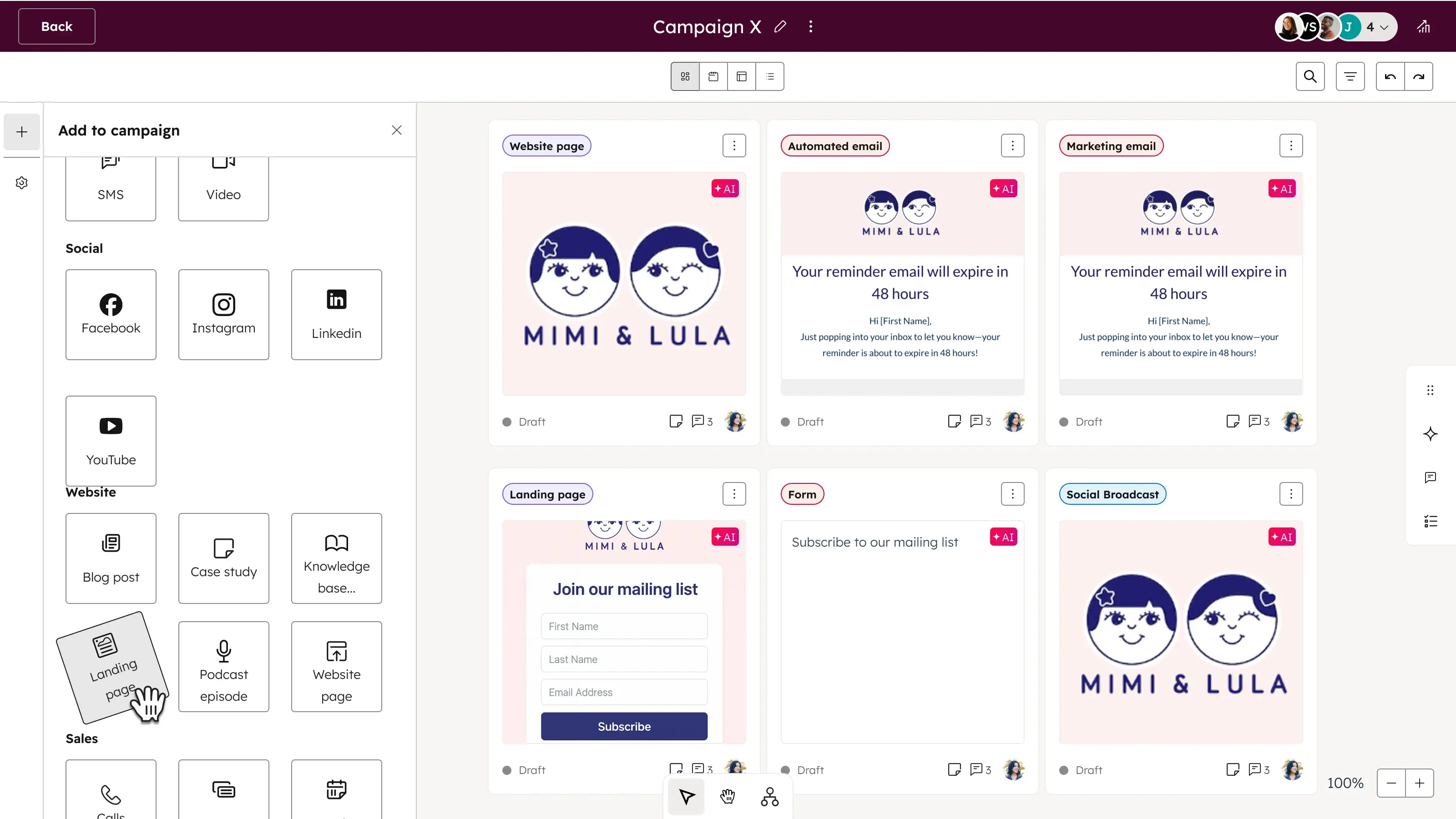
Best use: a connected acquisition and nurture system
HubSpot Marketing Hub is the broadest option here. It is designed to connect campaigns, forms, landing pages, contact records, email, automation, and reporting rather than solve only one launch channel. Its official product and pricing pages describe a tiered marketing platform with tools that expand substantially as a team moves up the product levels: HubSpot Marketing Hub and the official marketing pricing page.
That breadth matters when your launch path has several stages: someone reads a launch page, joins a waitlist, receives an educational sequence, books a call, and later needs to be associated with a company or deal. A founder can define those stages instead of keeping the entire funnel in spreadsheets. For example, a developer-tool startup could segment waitlist subscribers by framework, send different technical onboarding emails, and ask for a demo only after the subscriber has seen documentation.
- Best for: Teams that need one place for lead capture, email nurture, campaign management, and CRM context.
- Does not suit: A founder who only needs a public launch listing or a lightweight announcement channel.
- Standout: The ability to connect marketing activity to a longer customer journey rather than treating launch day as the whole funnel.
Implementation and commercial model
Implementation burden is high compared with a social scheduler or launch directory. You need clear lifecycle definitions, a contact-data policy, form destinations, email templates, tracking conventions, and someone responsible for maintaining automation. A small team can start with one form, one segment, and one three-email sequence, but should resist building a dozen workflows before it knows which audience converts.
The commercial model is tiered, with the official pricing page separating product levels and describing limits or capabilities that vary by plan. Treat the advertised entry point as a starting configuration, not a final budget: contacts, automation depth, seats, and other requirements can change the economics. HubSpot is a poor fit if your only goal is to tell existing users that a new button shipped.
2. Mailchimp
Best use: owned email around a launch or waitlist
Mailchimp is a focused choice when your most valuable asset is an opted-in audience. It can support announcement emails, segmented campaigns, signup forms, and automated sequences without requiring a complete CRM rollout. Its official features page and pricing page describe its email marketing and automation capabilities and current plan structure.
For a bootstrapped founder, the useful mechanism is simple: capture permission, tag the person by interest, deliver a relevant sequence, and measure an action such as activating an account or replying with feedback. A privacy-product founder might ask new subscribers whether they are individuals or teams, then send different examples rather than broadcasting the same pitch to everyone.
- Best for: Waitlists, newsletters, launch announcements, and lightweight nurture owned by a small team.
- Does not suit: Product teams that need rich in-app guidance, detailed sales operations, or a public discovery channel.
- Standout: Email remains a durable channel you can use after a launch campaign ends.
Implementation and commercial model
Implementation burden is low to moderate. The hard part is not sending the first email; it is maintaining consent, suppressing unsubscribed contacts, writing useful segments, and keeping the list clean. Start with one audience definition and one success event. “Send to everyone” is convenient but makes it harder to learn whether the message worked for the people most likely to use the product.
Mailchimp uses plan and audience-based commercial mechanics, with current limits and features listed on its pricing page. Confirm how contacts, sends, automation, and additional features are counted before importing a large list. Mailchimp is not a good replacement for acquisition: it can nurture people who gave you an address, but it does not automatically create a qualified audience for an unknown product.
3. Buffer
Best use: consistent social distribution by a small team
Buffer is a social publishing and planning tool for teams that need to turn product material into a consistent stream of posts. The relevant job is not “do social media” in the abstract. It is to create a repeatable distribution queue for launch notes, short demos, founder lessons, customer questions, and links to the product. Buffer describes its publishing workflow and supported capabilities on its official publishing page.
A founder launching an API product could prepare separate posts for the problem, a code example, a short screen recording, a customer use case, and a behind-the-scenes constraint. Scheduling those variations helps avoid making one launch announcement carry the entire burden of explanation. It also creates a visible record of which topics earn replies, clicks, or useful objections.
- Best for: Founders who already know which social networks matter and need a manageable publishing workflow.
- Does not suit: Teams seeking CRM attribution, product onboarding, or discovery among people who have never encountered the brand.
- Standout: Separating content preparation from the pressure to publish manually at the exact moment an idea occurs.
Implementation and commercial model
Implementation burden is low. Establish a few content themes, assign ownership, define review rules, and use platform-specific copy instead of mechanically duplicating every post. A queue without an editorial point of view becomes scheduled noise. For a two-person startup, a useful starting policy is to review the next week’s posts together and leave room for timely customer responses; that is an illustrative operating policy, not a universal benchmark.
Buffer uses plan-based pricing, with current details on its official pricing page. Verify channel, user, publishing, and analytics limits for your configuration. Buffer does not suit a founder whose real problem is weak positioning or no audience; scheduling more posts cannot resolve a product that people do not understand.
4. Intercom
Best use: conversations, support, and targeted messages to active users
Intercom sits closer to the product and customer relationship than a public launch channel. It can help a SaaS team provide support, converse with users, send targeted messages, and guide people toward an action. Its official customer support page and pricing page explain the support and engagement product family and current commercial structure.
The strongest use case is a product with enough active users to create meaningful behavioral segments. Suppose a collaboration app releases approval workflows. A team can identify relevant users, explain the change, invite them to try it, and collect replies from people who encounter friction. That is more useful than sending the same message to every signup, including people who have not completed setup.
- Best for: SaaS teams combining customer support with contextual product communication.
- Does not suit: A pre-launch founder with no active users or a team looking only for broad top-of-funnel reach.
- Standout: The feedback loop between a user’s question, the support interaction, and the next product message.
Implementation and commercial model
Implementation burden is moderate to high. Someone must define inbox ownership, response expectations, help content, audience rules, and escalation paths. The first version should answer basic questions and make it easy for a user to reach a human. An unattended chat widget can make a young company look less reliable, not more sophisticated.
Intercom’s pricing is plan-based and tied to the product configuration, so review the official pricing page for current inclusions and billing mechanics. Its cost and operational overhead may be difficult to justify before you have recurring customer conversations. Intercom is also a poor fit if your launch needs independent discovery; it primarily helps people already in, or directly interacting with, your product ecosystem.
5. LaunchNotes
Best use: a structured home for release communication
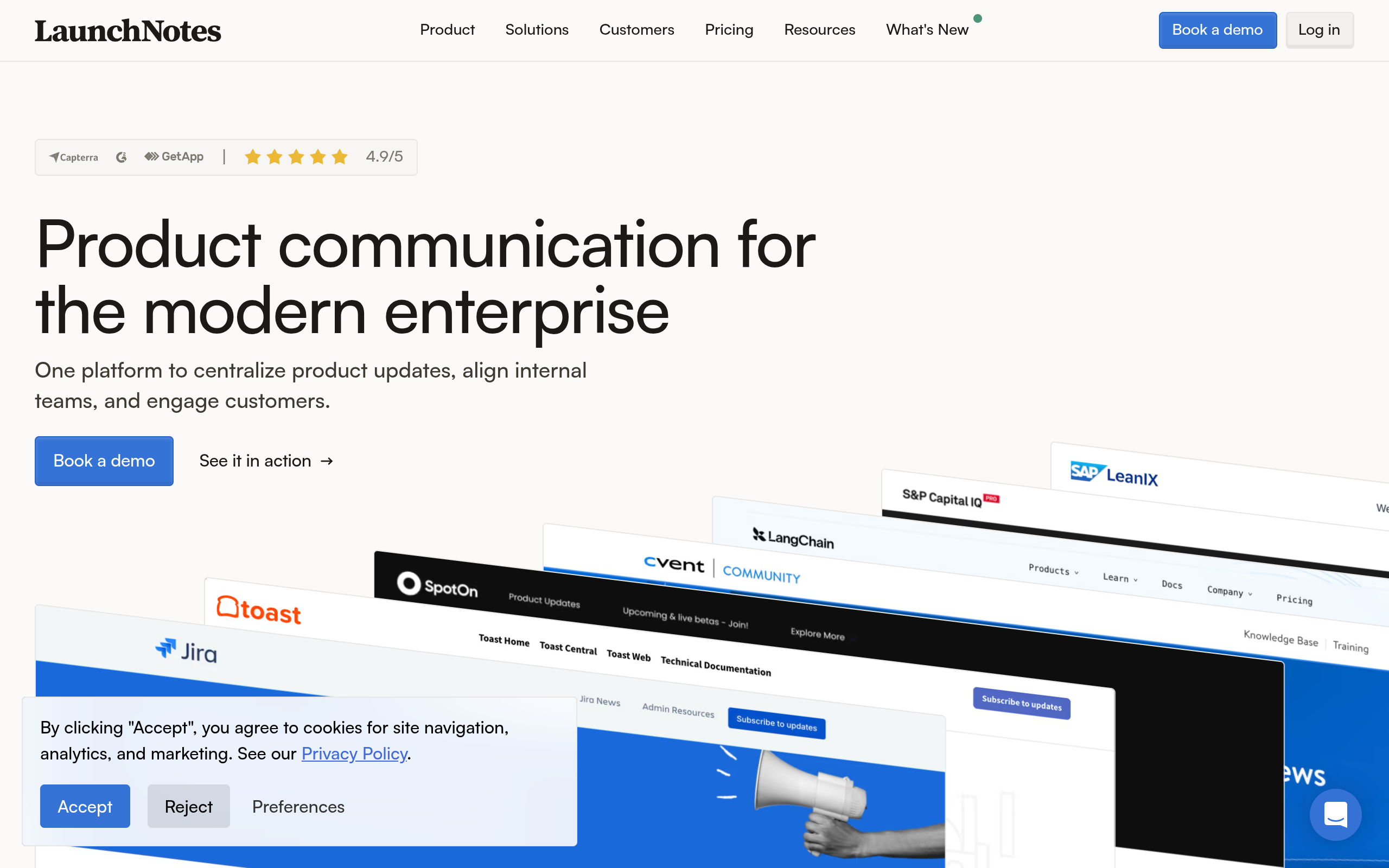
LaunchNotes is a release-communication platform focused on sharing product updates with customers and stakeholders. The value is concentration: instead of burying every change in scattered emails or a chat channel, a team can create a continuing record of what shipped, why it matters, and what users should do next. See the official LaunchNotes website for the current product scope and capabilities.
This is particularly useful when your product is changing frequently and customers need confidence that the roadmap is active. A workflow tool might publish a release note with a short video, explain the affected workflow, and link to documentation. Over time, that archive can answer “what changed?” without asking support to reconstruct the answer from old conversations.
- Best for: Product teams that need a professional, persistent release-notes destination.
- Does not suit: A founder whose central challenge is finding the first hundred relevant prospects.
- Standout: Turning shipping activity into an organized customer-facing narrative rather than isolated announcements.
Implementation and commercial model
Implementation burden is moderate. The software may be straightforward to operate, but good release communication requires a repeatable editorial process: decide what deserves an entry, identify the user impact, add evidence, and route the update to the right audience. A changelog full of internal ticket language will not perform the same job as customer education.
Verify the current commercial model directly with LaunchNotes. The official homepage is the safest reference here for identity and current product scope; do not assume that a plan, integration, or feature described elsewhere is still available. LaunchNotes is not a substitute for email acquisition, paid distribution, or a public startup launch listing.
6. Appcues
Best use: in-app onboarding and feature adoption
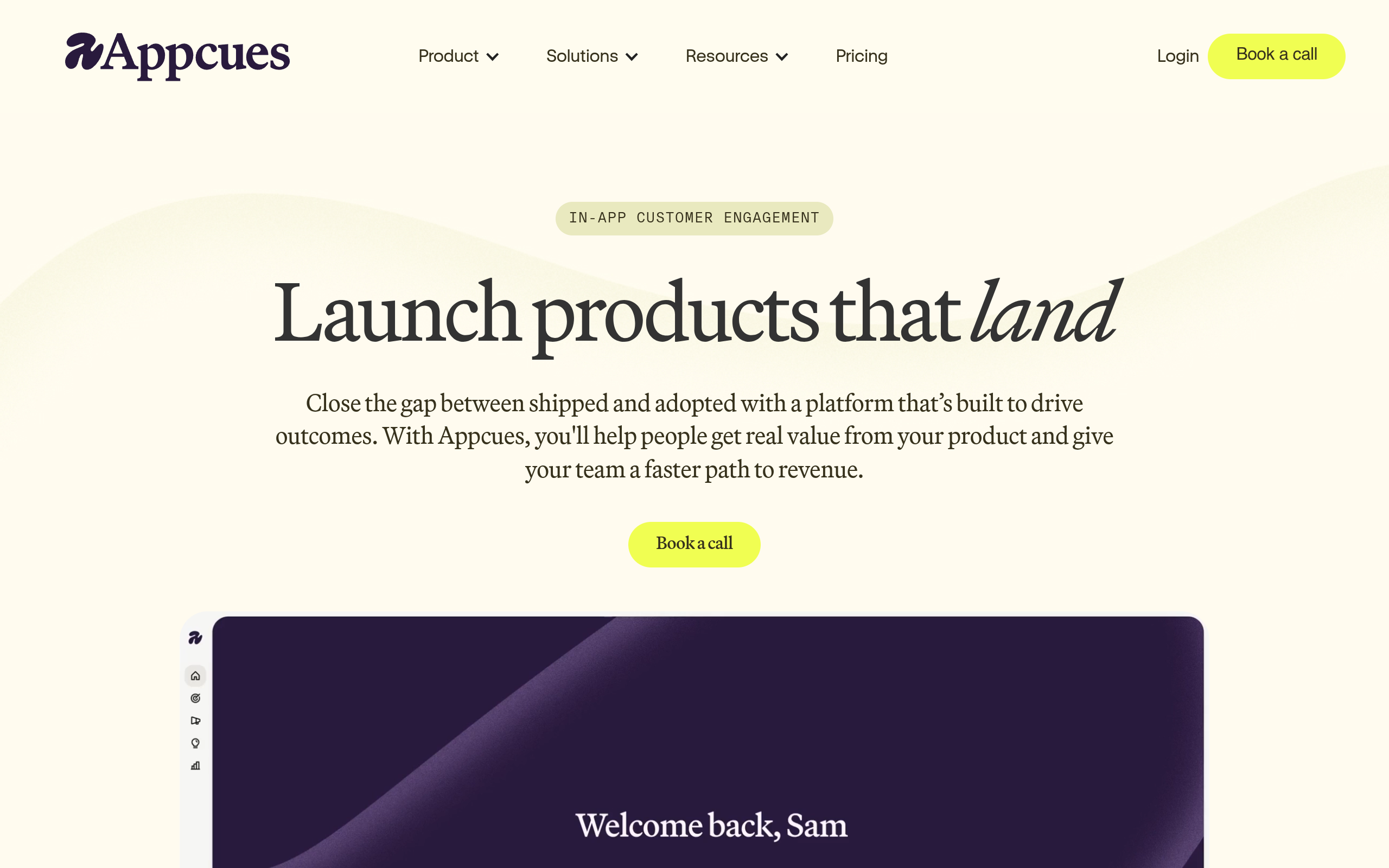
Appcues is built for creating in-product experiences such as onboarding flows, feature announcements, tooltips, and surveys. Its official product page describes the in-app engagement use case, while its pricing page provides the current commercial details.
The key distinction is timing. An email can tell a user that a feature exists; Appcues can introduce it while the user is looking at the relevant screen. For example, a billing platform launching usage alerts could show a short explanation to account owners who have opened reporting but never configured an alert. The message can lead directly to setup rather than relying on the user to remember the email later.
- Best for: Software teams with active users and a measurable activation or adoption problem.
- Does not suit: Pre-launch products without enough usage context to target an in-app experience responsibly.
- Standout: Connecting a message to the exact product moment where the user can act.
Implementation and commercial model
Implementation burden is moderate. Expect to involve engineering or someone comfortable with installation, event naming, audience rules, QA, and rollback. Poorly timed pop-ups create friction, so define an exit condition and a way to measure completion before publishing a flow. A short checklist—audience, trigger, message, destination, success event—is more valuable than a large library of tours.
Appcues uses plan-based pricing, and the official pricing page should be checked for current limits and packaging. It can be excessive for a tiny product that has only one core workflow. Appcues also cannot create external demand by itself: it improves the experience for people who have already reached your application.
7. SuperPublic
Best use: indie launch visibility and founder-to-founder discovery
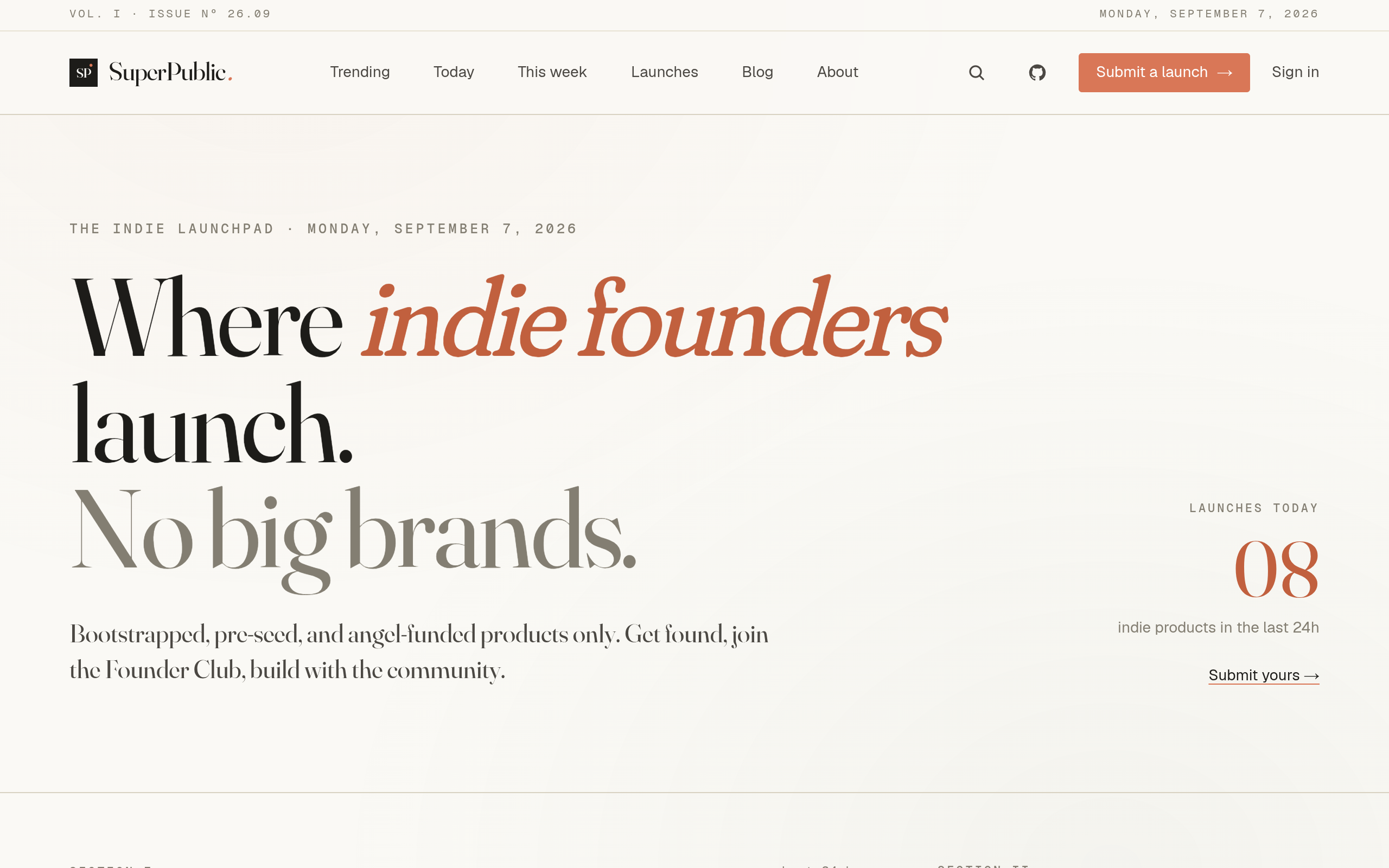
SuperPublic is an indie-only product launch and discovery platform for bootstrapped, pre-seed, and angel-funded founders. Its job is different from a CRM or in-app messaging tool: it gives an early-stage team a place to submit a launch, gain visibility, discover other emerging products, and connect with a founder community. Founders can submit your product launch when the product is ready for an external audience.
This is a useful category when your immediate constraint is not lifecycle automation but credible early attention and feedback. A founder launching a small AI writing tool, developer utility, or vertical SaaS product may benefit from presenting the problem, audience, differentiator, and current status in a context where other founders and early adopters are actively looking for new products.
- Best for: Indie founders seeking launch visibility, early feedback, and connections with other startup builders.
- Does not suit: A mature marketing department needing multi-touch attribution, complex lead scoring, or enterprise campaign governance.
- Standout: The community context: discovery is paired with founder participation rather than treated only as an impression count.
Implementation and commercial model
Implementation burden is low compared with a full marketing stack. The work is preparation: write a clear description, choose the strongest positioning, provide a useful destination, and be ready to respond to questions. A launch should not be treated as a one-time link dump. The founder’s replies, follow-up updates, and willingness to discuss trade-offs are part of the marketing asset.
Check SuperPublic’s current submission and participation terms directly at the official site. It is a poor fit if your only need is private customer support or automated email nurture. It also should not be measured by the same immediate conversion event as Appcues: the early value may be qualified visits, feedback, and founder connections that inform the next iteration.
Comparison
The comparison below deliberately keeps the columns practical. “Reach” means where the tool can help you contact or be discovered by people; it does not mean guaranteed audience size or performance. “Burden” describes the likely operating complexity for an early-stage team, not a vendor-published implementation estimate.
| Product | Primary job | Reach | Implementation burden | Commercial model | Poor fit when… |
|---|---|---|---|---|---|
| HubSpot Marketing Hub | Full-funnel campaigns, forms, nurture, and CRM-connected marketing | Owned leads and tracked acquisition journeys | High | Tiered plans; verify contacts, seats, and feature limits | You need only a simple announcement or public discovery |
| Mailchimp | Email campaigns, waitlists, and lightweight automation | People who have opted into your audience | Low to moderate | Plan and audience-based; verify sends, contacts, and features | You need in-app guidance or new external discovery |
| Buffer | Social planning and publishing | Selected social channels | Low | Plan-based; verify channels, users, and analytics | Your issue is positioning, product activation, or CRM attribution |
| Intercom | Support, conversations, and targeted user messaging | Existing users and direct customer conversations | Moderate to high | Plan-based; verify current billing mechanics | You have no active user base or need broad top-of-funnel reach |
| LaunchNotes | Persistent release communication | Customers and stakeholders who follow updates | Moderate | Verify current packaging on the official site | You need acquisition rather than release education |
| Appcues | In-app onboarding, feature adoption, and surveys | Signed-in users at relevant product moments | Moderate | Plan-based; verify current limits and packaging | You lack product usage data or need external visibility |
| SuperPublic | Indie product launch visibility and founder discovery | Early adopters and startup community participants | Low | Verify current submission and participation terms | You need enterprise lifecycle automation or private support operations |
How to choose your Product Marketing Software
Start with the constraint, not the category label. “We need marketing software” is too broad to produce a sensible purchase. Write the next customer action in one sentence, then choose the narrowest tool that can support it.
- If nobody knows the product exists: prioritize discovery and distribution, such as SuperPublic and a focused social workflow.
- If people are interested but not subscribed: use a clear landing page and an owned email system such as Mailchimp.
- If leads need education before buying: consider HubSpot Marketing Hub once segmentation and CRM context justify the operating burden.
- If users sign up but stall: look at Appcues or Intercom, then instrument the activation step before adding more messages.
- If customers miss important changes: use LaunchNotes or a similarly structured release-communication workflow.
Next, define one measurable decision for the first 30 days. An illustrative policy might be: “We will learn whether technical founders want this workflow by publishing the launch, collecting qualified replies, and interviewing five relevant signups.” That is more actionable than “increase awareness.” For a product already in use, the decision might instead be whether a guided feature announcement increases completion of a specific setup flow. The number and timeframe are examples, not universal benchmarks.
Also account for message ownership. A tool creates leverage only when someone can keep the underlying system accurate. If no one will maintain segments, reply to support conversations, review release notes, or refresh social posts, choose a smaller system. The cheapest subscription is still expensive when it produces neglected customer communication.
Finally, avoid buying every layer at once. A sensible sequence for many early-stage teams is discovery and direct feedback first, owned email once permission accumulates, then in-product or CRM automation when repeated behavior justifies it. Choose HubSpot when you genuinely need connected funnel operations; choose Mailchimp when email is the job; choose Appcues or Intercom when the product experience is the bottleneck. For an indie launch that primarily needs visibility and founder feedback, start with SuperPublic before adding machinery designed for a much larger funnel.
SuperPublic gives early-stage founders a place to share new products, meet other builders, and gather launch feedback. If that is the immediate job, SuperPublic is a more focused starting point than assembling a full marketing stack before the market has responded.
Authored with NotFair SEO